
Running EPiServer CMS in Azure
As of version 7.5 you can run EPiServer CMS as an Windows Azure Web Site (WAWS), and there are good reasons to do so: cheap hosting (pay only for what you use), automatic scaling, quick and easy setup, simple to deploy new code and easy to set up (and take down) test environments.
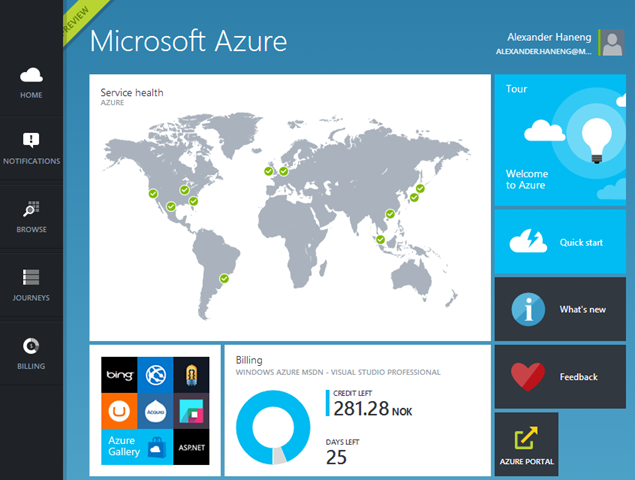
The smallest Azure Web Site plan is free. If you have a MSDN subscription you also got a monthly credit that you can use to pay for other Azure services.
What are Azure Web Sites?
The quick answer is that is a cloud based IIS instance where you can deploy your site. You don’t have to think about the OS (or patching, anti-virus, etc.) and Azure ensures that at least one instance is always running no matter what might happen to the OS host or the hardware.
What about the SQL database?
Azure offers an “SQL Server in the cloud” so we simply create and use that for our EPiServer database.
What about the VPP files?
As of version 7.5 of EPiServer CMS files are no longer stored as VPP files, but as Media (IContent). EPiServer provides an AzureBlobProvider that lets us store the Media files in Azure BLOB storage. It sounds complicated, but it is really easy.
What about event broadcasting?
Historically EPiServer has used event messages broadcasted on a network to notify all servers in a cluster to events (e.g. a page having been updated). In 7.5 they have added support for the Azure Service Bus to send event messages to all the servers in a cluster, so we no longer need to configure a private network between the servers.
How do I get my first site running in Azure?
Getting a site up and running is fairly easy since EPiServer has a very good article that will get you started.
You can also read about how I created the “Cloud Clinic” demo site in Azure in this blog post.

Comments