
Scott Reed
Mar 27, 2018
  2479
(4 votes)

Making drag and drop pages/media work with the IList

Here at Redweb, we are currently building a new site for a client with lots of content population. For one of our gallery solutions we decide to utilize an IList as we have used many times before without issue.

Problem: Our Qualtity Assurance guy raised that the ability to drag and drop images is broken when using this.

We invesitgated and the small issue was that the IList throws up the usual FED popup favourite of adding an overlay on the page. 
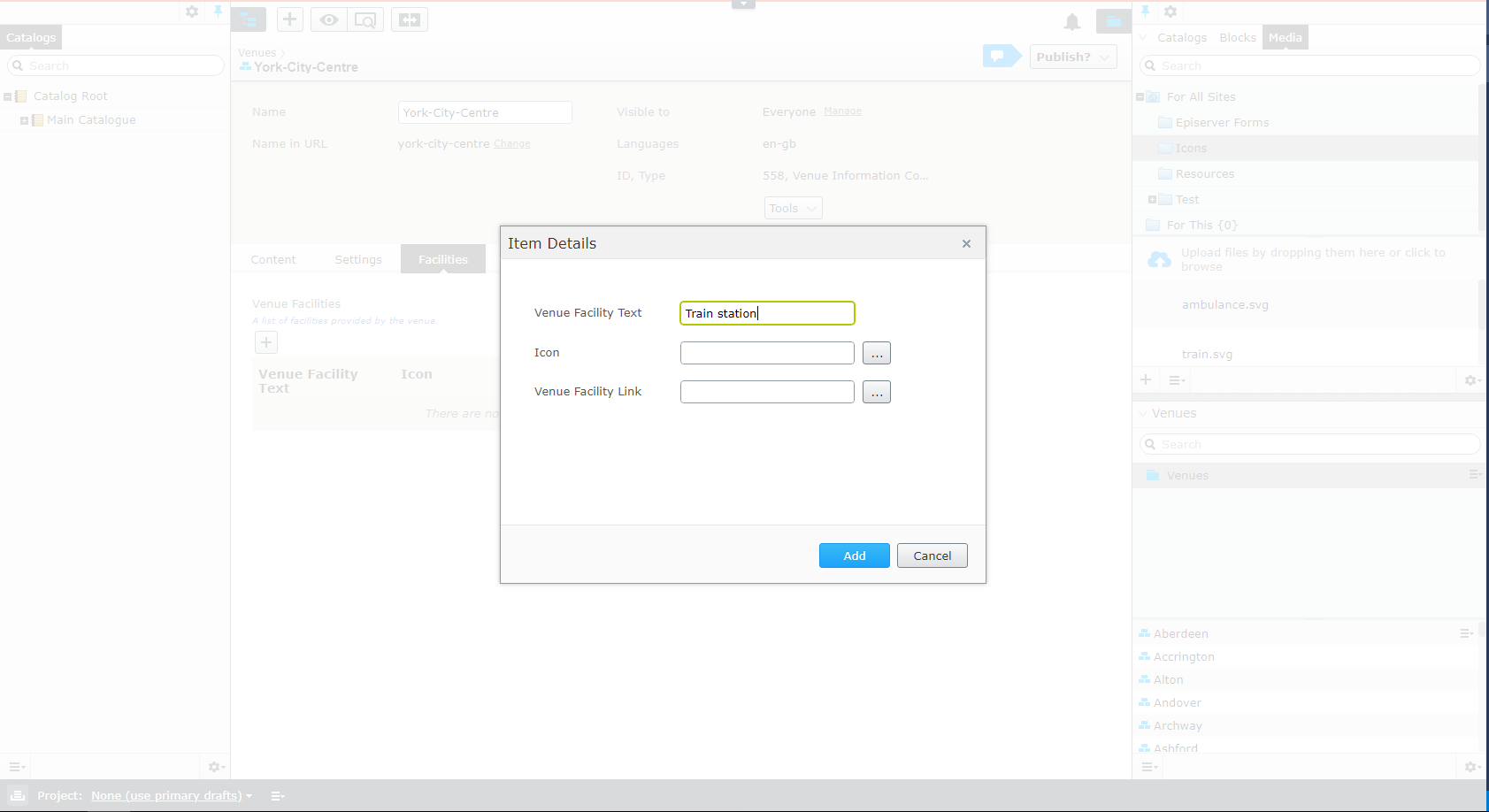
Image dialog-before.png

Therefore we chose to override this. We added to our editor stylesheet used in the CMS

.dijitDialogUnderlayWrapper {
    position: relative;
}

This then forced the wrapper not to be absolute over the screen anymore, hence 
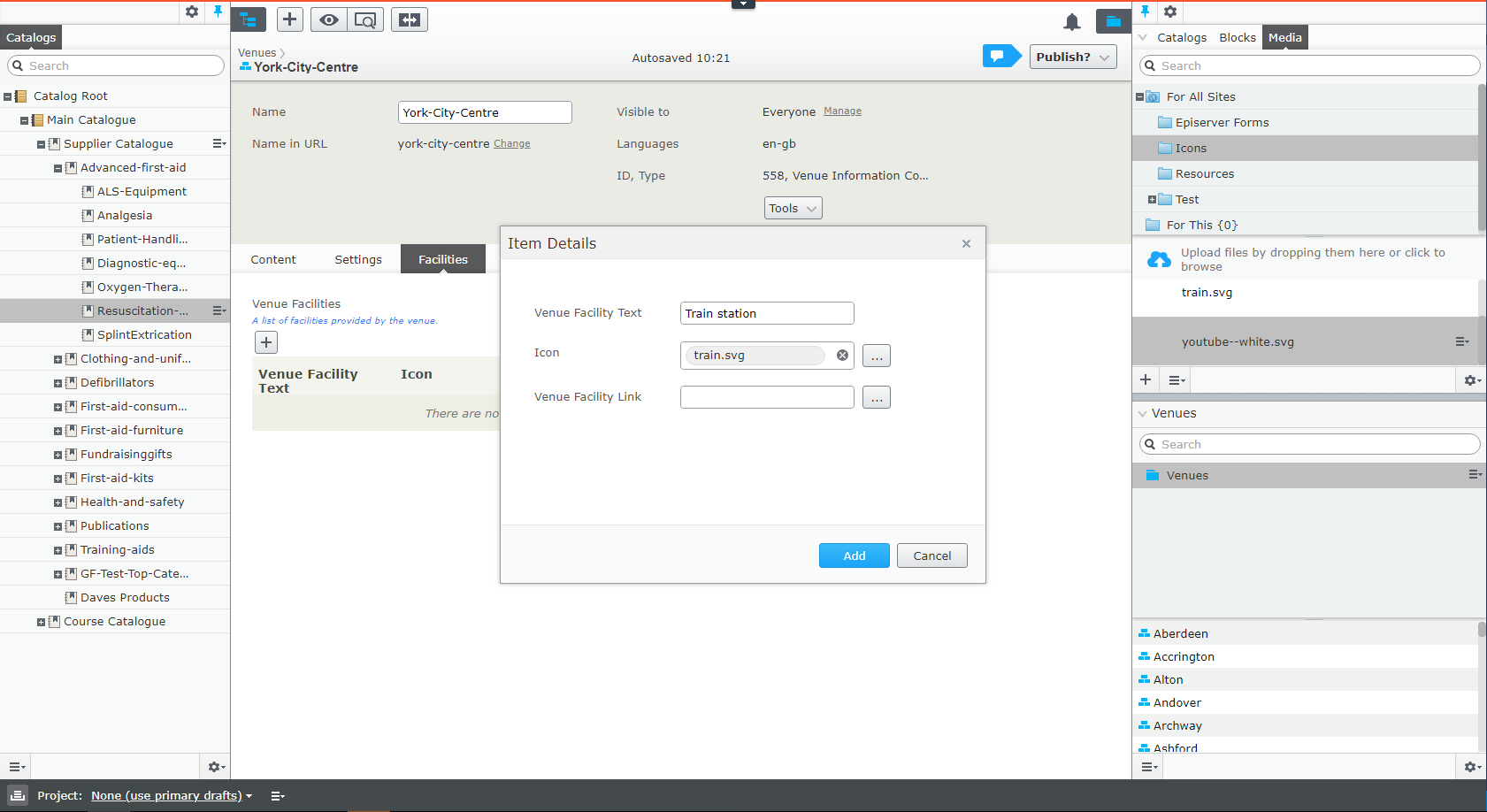
Image dialog-after.png

We now have this fixed. The only downer is it allows the editor to use the underlying UI but this is not a big issue to us. Hopefully the new changes to the UI for improved drag/drop will have fix this.

Mar 27, 2018

Comments

valdis
valdis Mar 27, 2018 05:24 PM

hahaa.. neat! :)

Mar 28, 2018 02:40 PM

Nice. Having drag and drop in the IList should be a default behavior

Mar 28, 2018 03:19 PM

Yeah it's something so small and hacky but it makes a lot of difference to content population

K Khan
K Khan Mar 30, 2018 11:17 AM

Thanks for sharing :)

Please login to comment.
Latest blogs
Removing Unused Properties in Optimizely CMS 13

Learn how to remove orphaned property definitions in Optimizely CMS 13. Explore API updates for IContentTypeRepository and how to safely use...

Stuart | Apr 17, 2026 |

How to Remove the "Paste formatting options" Dialog in Optimizely CMS 12

If you've upgraded from an older Optimizely CMS solution lately, you may have noticed a dialog popping up every time an editor pastes content from...

Henning Sjørbotten | Apr 17, 2026 |

Creating an admin tool - unused assets

Let's make an admin tool to clean unused assets and see how to extend your favorite CMS with custom tools and menues! We will build a tool step by...

Daniel Ovaska | Apr 15, 2026

Running Optimizely CMS on .NET 11 Preview

Learn how to run Optimizely CMS on the .NET 11 preview with a single-line change. Explore performance gains, PGO improvements, and future-proofing...

Stuart | Apr 15, 2026 |