

YouTube Block
Based on EPiServer 7 and Alloy Templates
The title says it all! My colleague Janaka Fernando was kind enough to share a YouTube block with me that he created. I tweaked it a bit to add a few extras including a responsive flow. The result of our combined effort is described below.
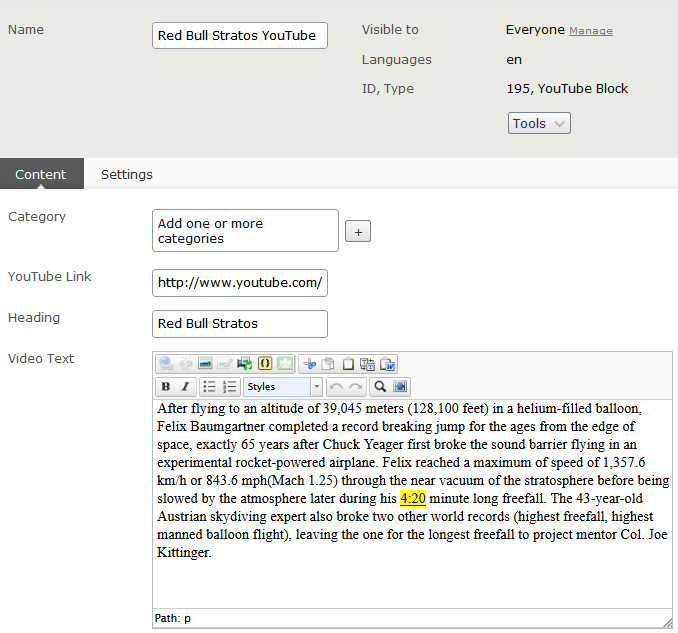
Configurable items include:
- YouTube Link (required) – URL to the YouTube video
- Heading – Heading for the video
- Video Text – Descriptive text for the video
Example of block configuration:
Example of block preview in the editorial interface:
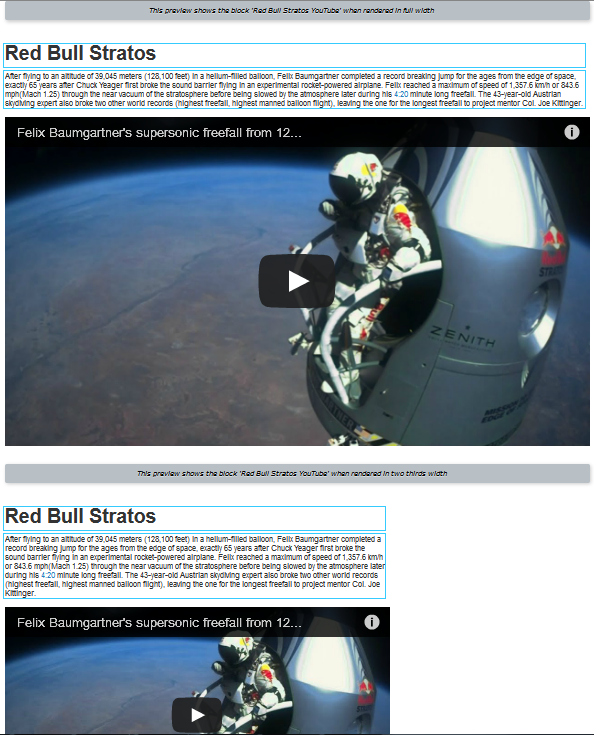
What the site visitor will see:

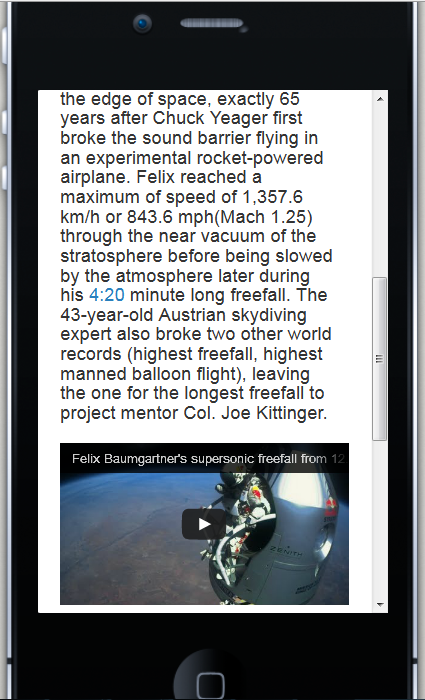
Mobile view:
I’ve uploaded the code to the EPiServer Nuget feed and it should appear there once approved. In the mean time you can get it here…
And if you find this exciting, well, then you should really watch the full RebBull Stratos YouTube video. Amazing!
Enjoy!
- This is intended as a starting point for you to customize for your project needs. The code is provided “as is” without warranty or guarantee of operation. Use at your own risk.
- If you install on a site that does not include the Alloy Templates you should expect that you will need to make a few minor updates to get it working as desired. Also, in a production environment you may wish to tweak to improve the performance.
Mar 17, 2013
Saw the video feed live. It was amazing. Now, I will be able to enjoy it in the context of Alloy :-) Supercool.