Son Do
Apr 15, 2017
  3653
(0 votes)

Payment providers with abstraction apis (10.5.0 – 2017)

Episerver Commerce released payment providers packages in 10.5.0 (include PayPal, DIBS, DataCash). Those packages are available for downloading and installation document are under Commerce Payment providers sample section.

This is the main changes in this packages:

Payment providers use abstraction apis

The payment gateway now use abstraction apis - that support both Legacy carts and Serializable carts.

Payment migration

Pretify payment providers sample code and testable

The payment gateway has over 1200 lines of code before, now it was separted to smaller class for better readable and testable.
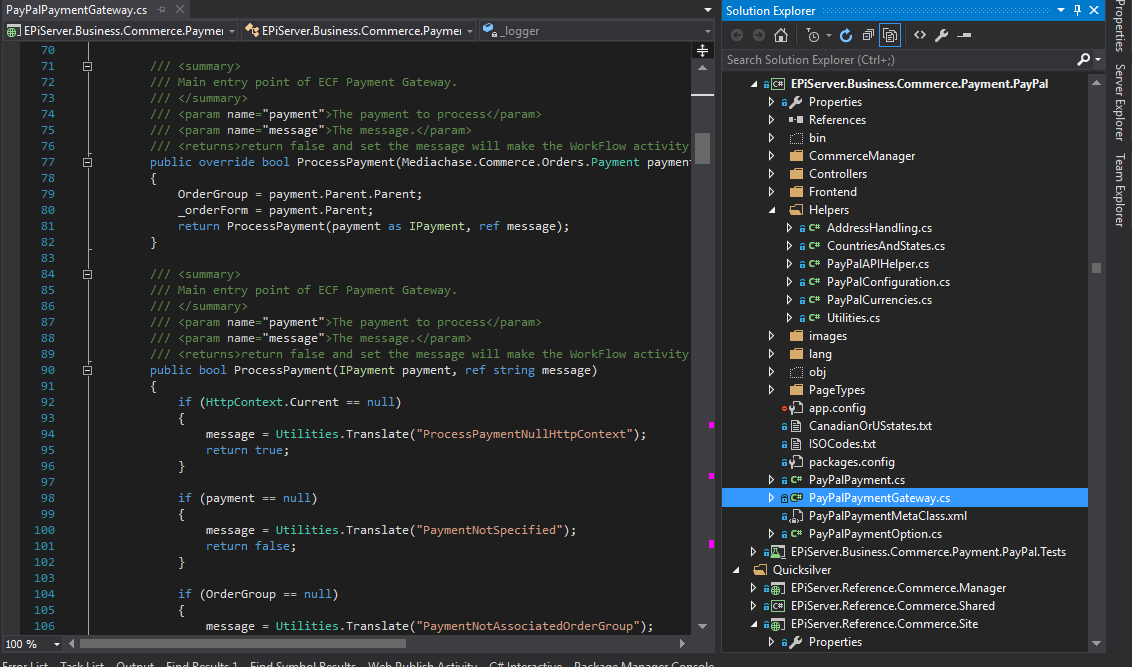
Pretify payment code

Payment providers are testable

Most of function in payment project are testable now. Adding test project to payment solution to see how it worked.
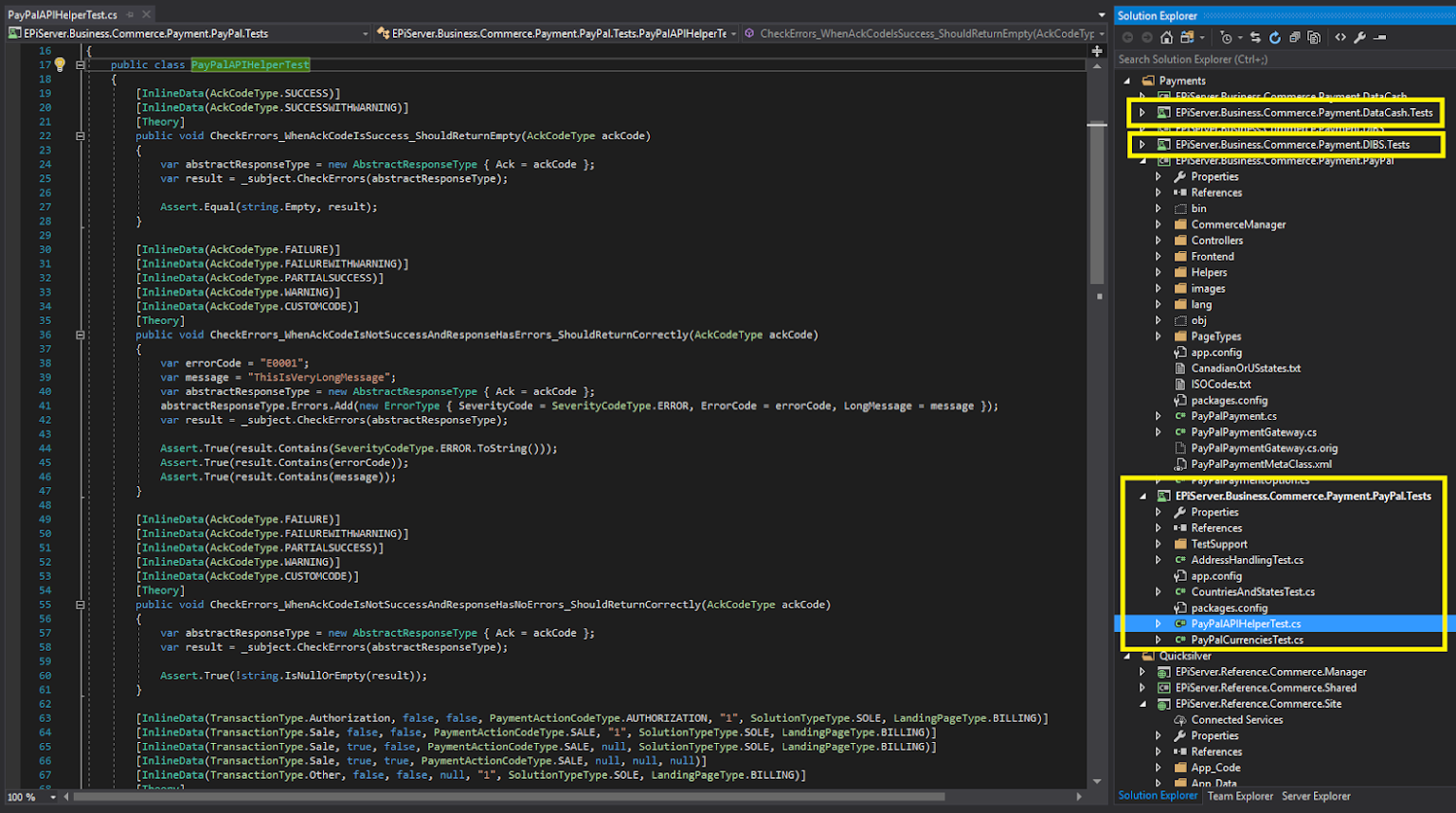
Payment are testable

Use MVC

Those payment provider packages use MVC from now on. With MVC, the steps to deploy a payment provider to website much easier than before.
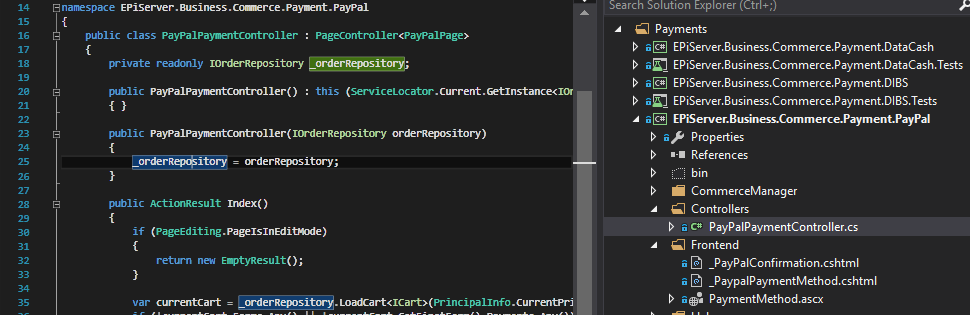
Payment MVC báe

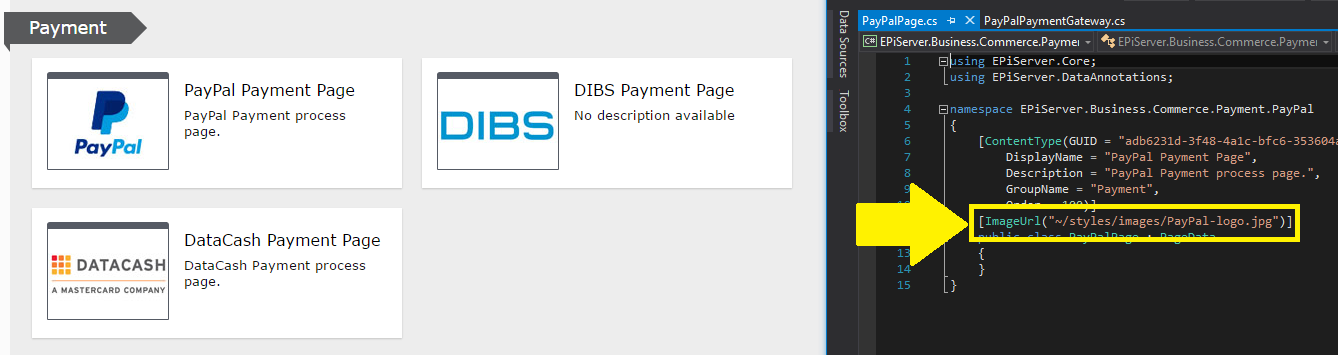
Images for payment page type

Payment page type logo

DIBS: new responsive payment UI

DIBS API provide a new layout for responsive payment page.

And in our DIBS payment project, we're using simplest way

requestPaymentData.Add("decorator", "responsive");

That tells DIBS that we use responsive page.
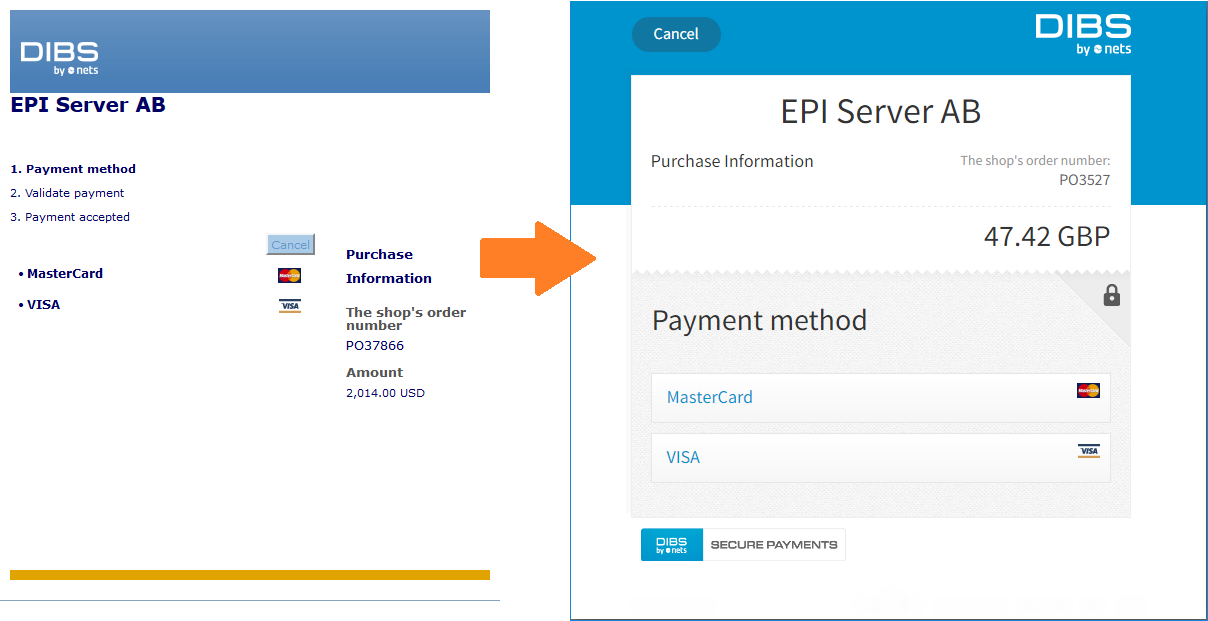
DIBS responsive layout

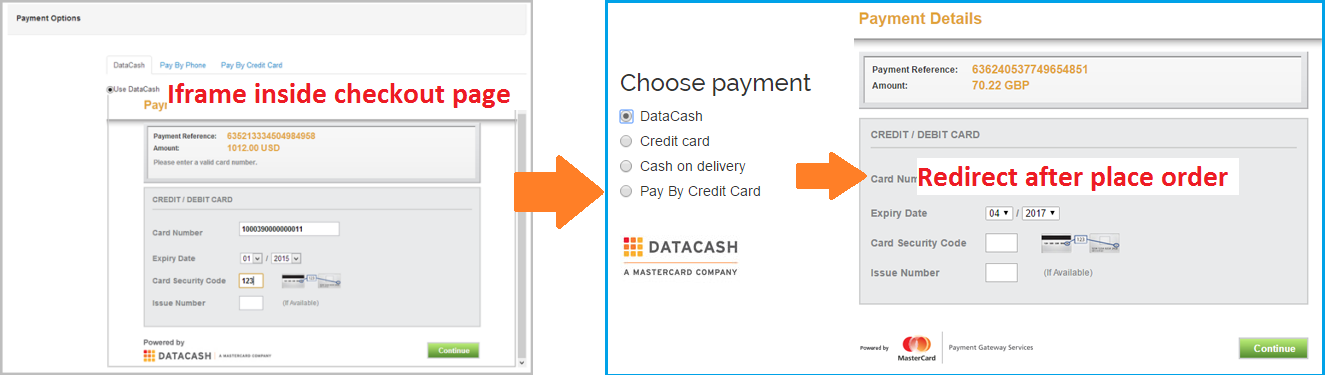
DataCash: redirection to payment page instead iframe on site

DataCash redirection

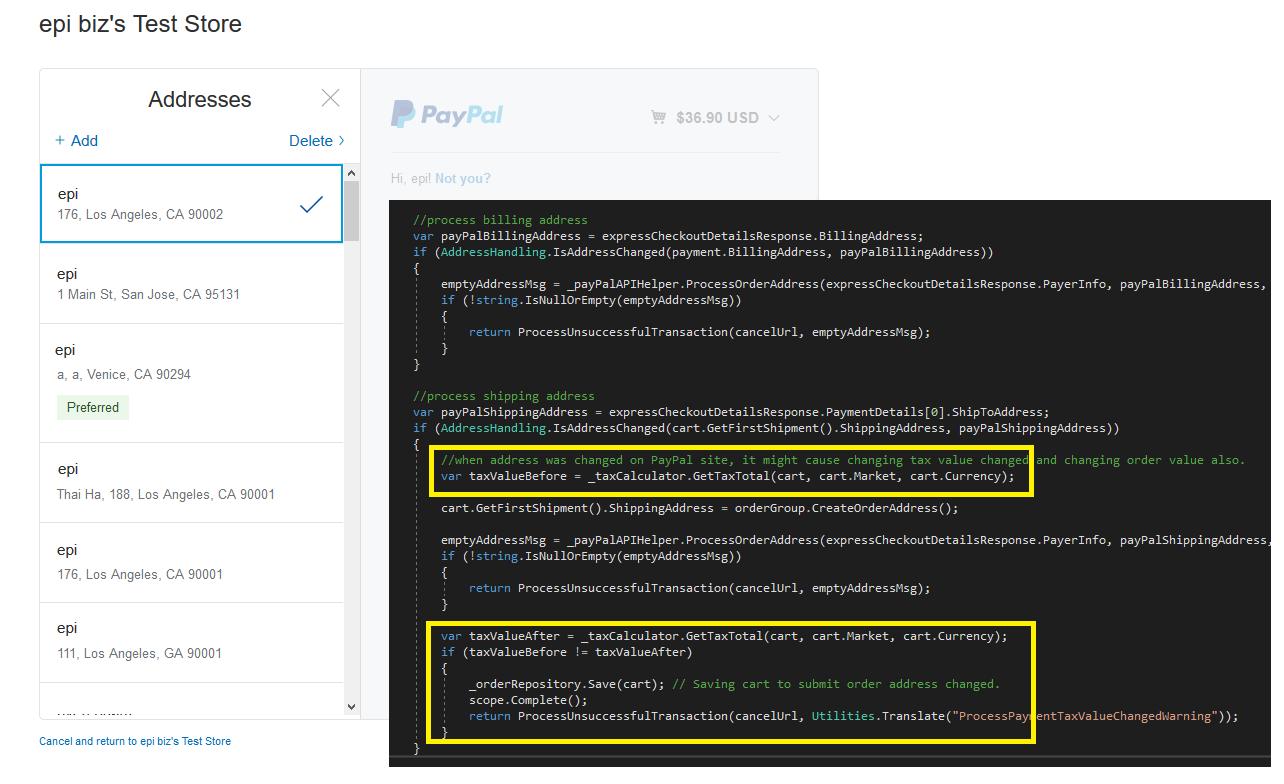
PayPal: support tax changed, order total changed after changing address on PayPal

support review address changed

Apr 15, 2017

Comments

Please login to comment.
Latest blogs
Remote Debugging in Optimizely DXP: What Is Actually Possible?

Introduction At SYZYGY Techsolutions , we support Optimizely DXP projects at scale, so continuously  identifying  the right tools and approaches fo...

Mike | Apr 20, 2026

Removing Unused Properties in Optimizely CMS 13

Learn how to remove orphaned property definitions in Optimizely CMS 13. Explore API updates for IContentTypeRepository and how to safely use...

Stuart | Apr 17, 2026 |

How to Remove the "Paste formatting options" Dialog in Optimizely CMS 12

If you've upgraded from an older Optimizely CMS solution lately, you may have noticed a dialog popping up every time an editor pastes content from...

Henning Sjørbotten | Apr 17, 2026 |

Creating an admin tool - unused assets

Let's make an admin tool to clean unused assets and see how to extend your favorite CMS with custom tools and menues! We will build a tool step by...

Daniel Ovaska | Apr 15, 2026