

Redesign of Admin Mode Content Types
Recently, in EPiServer.CMS.UI 12.23.0, we’ve updated designs for the content types edit view in Admin Mode.
It's important to mention, that no functionality has been removed, and there are no breaking changes as a result of these updates, functionally everything is working in the same way. We have just reorganized the layout to be more user friendly and consistent with other modules.
Content types have a lot functionality to configure. We grouped them into a few clear sections: Properties, Details, Default Values, Child Content Types, Permissions and Settings. I will describe them one by one.
Properties
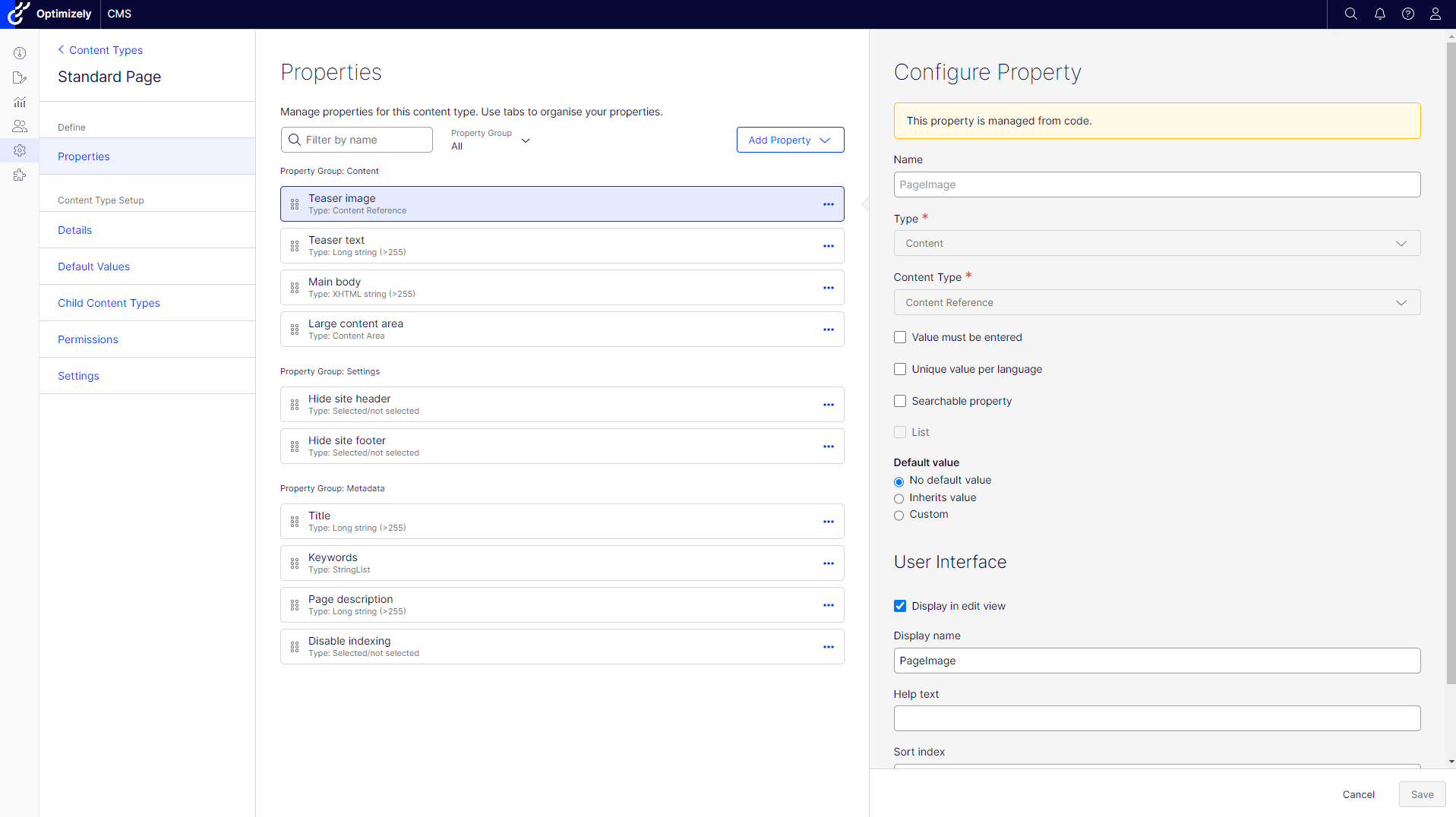
The properties section displays a list of properties that belongs to the edited content type. It allows to search and filter properties. From the list, Administrator can create and edit properties.
Details
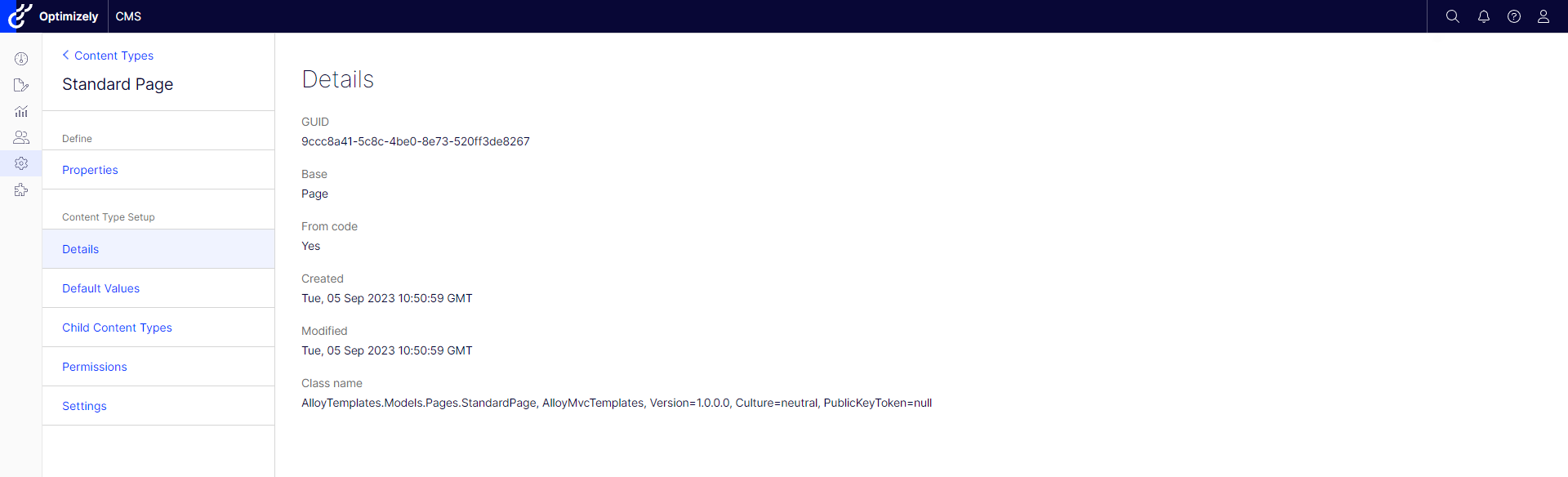
The "details" section contains basic, non-editable information about the content type, like GUID, created date and model type name. This section allows you to check database related fields and helps with troubleshooting.
Default values
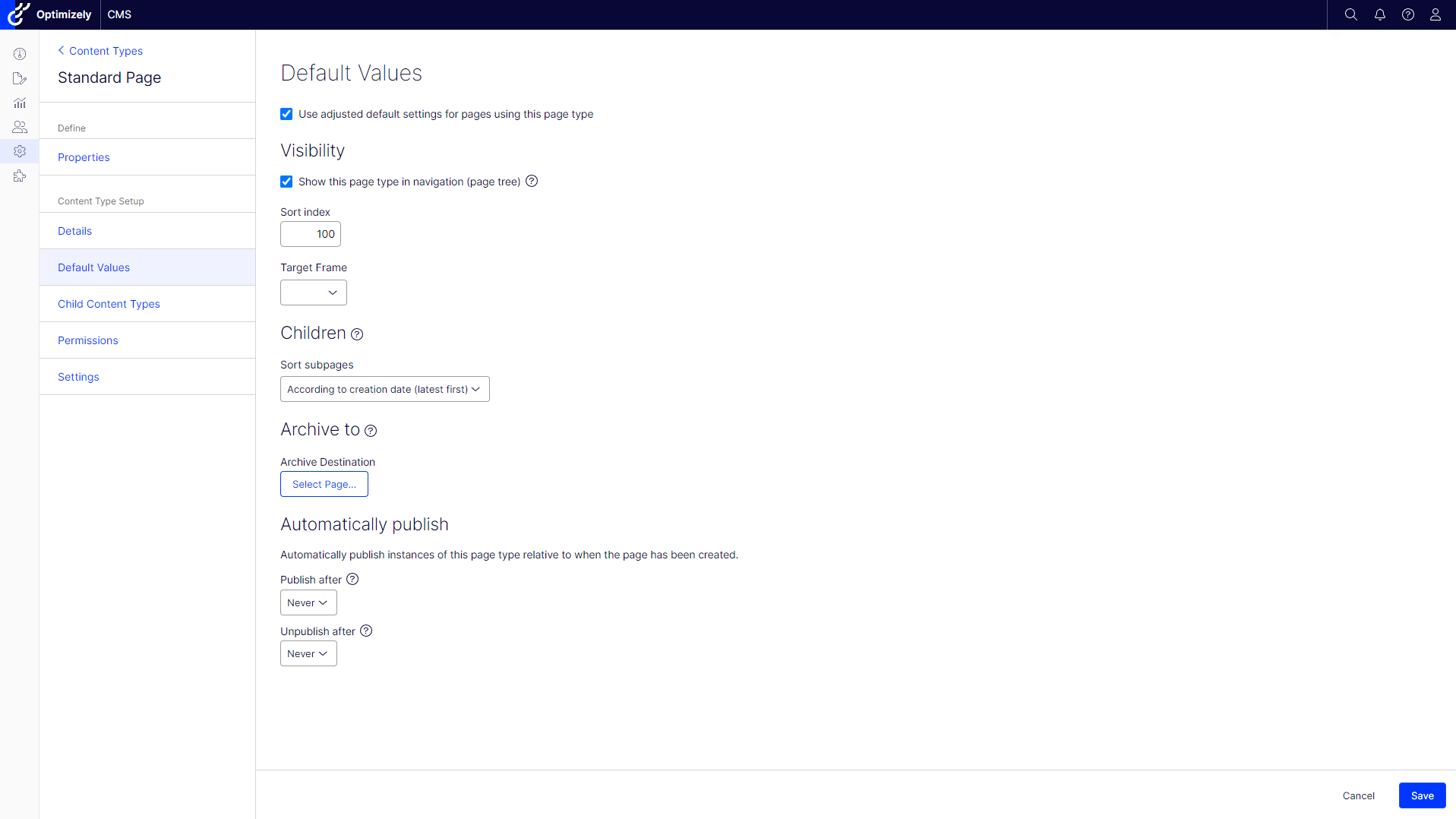
The "Default Values" section allows you to configure default settings for pages, like sort order or publishing rules. This section is available only for Page Types.
Child content types
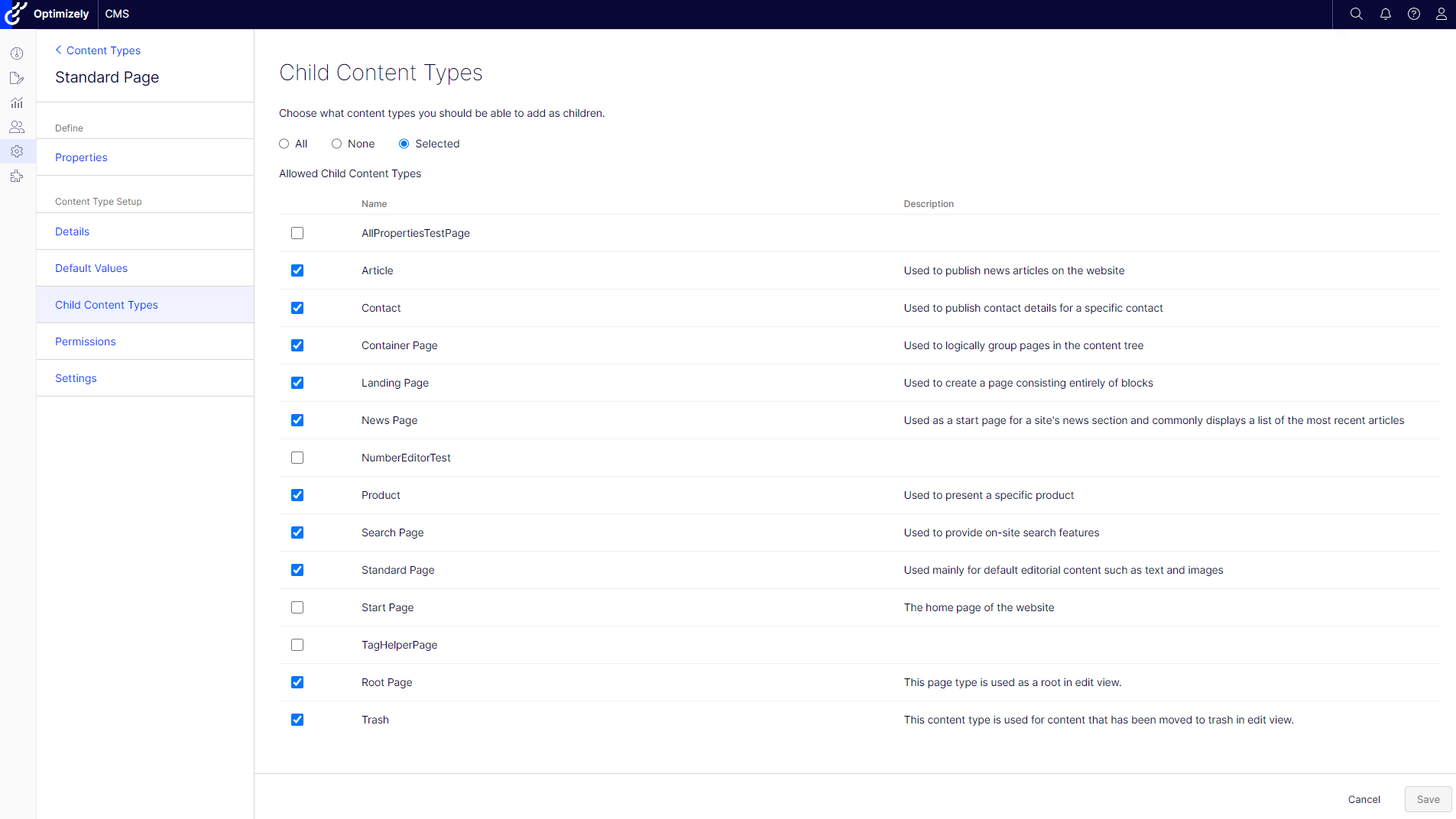
The Child content types section allows you to define which content type instances can be created as children of the content type.
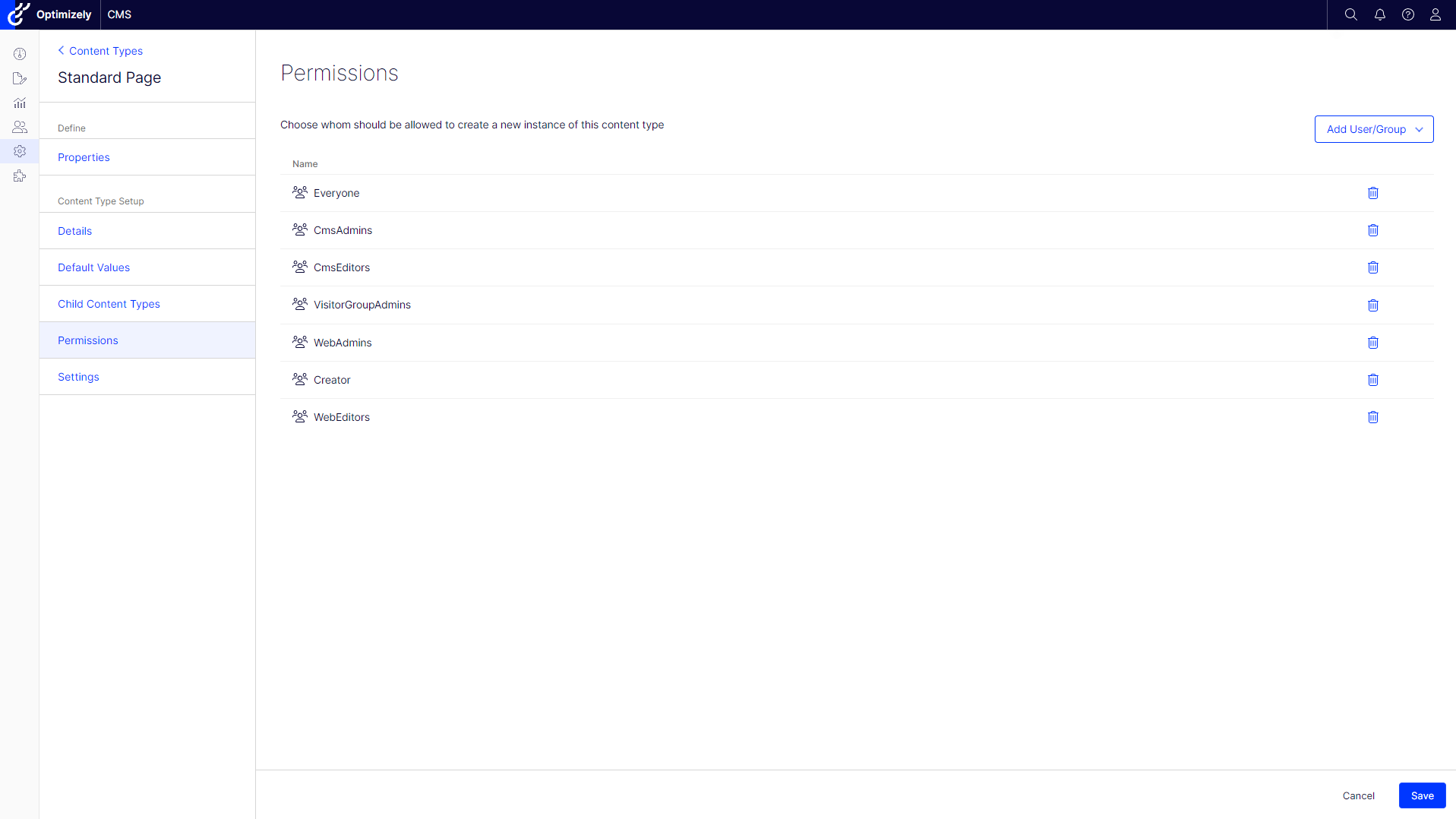
Permissions
The Permission section allows you to configure access rights to the content type for specific groups and users.
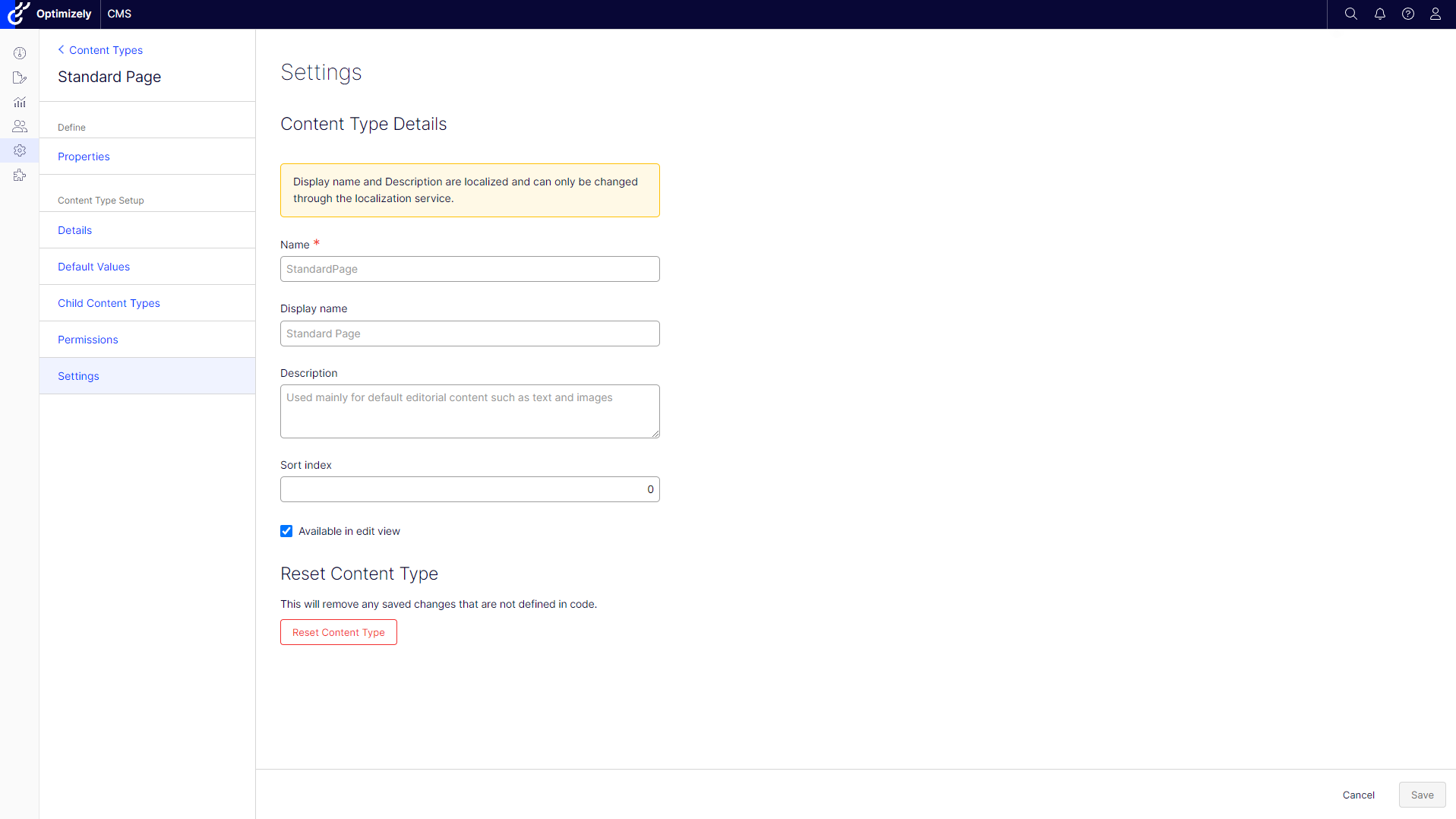
Settings
The Settings section allows you to configure basic content type properties. Some properties cannot be set when they were localized.
In this section, Administrators can also reset the content type (for content types created from code) or Delete the content type (for content types creted from Admin mode).
Additional functionality
As I mentioned at the beginning, no functionality was removed, but a few small features related to editing properties were added.
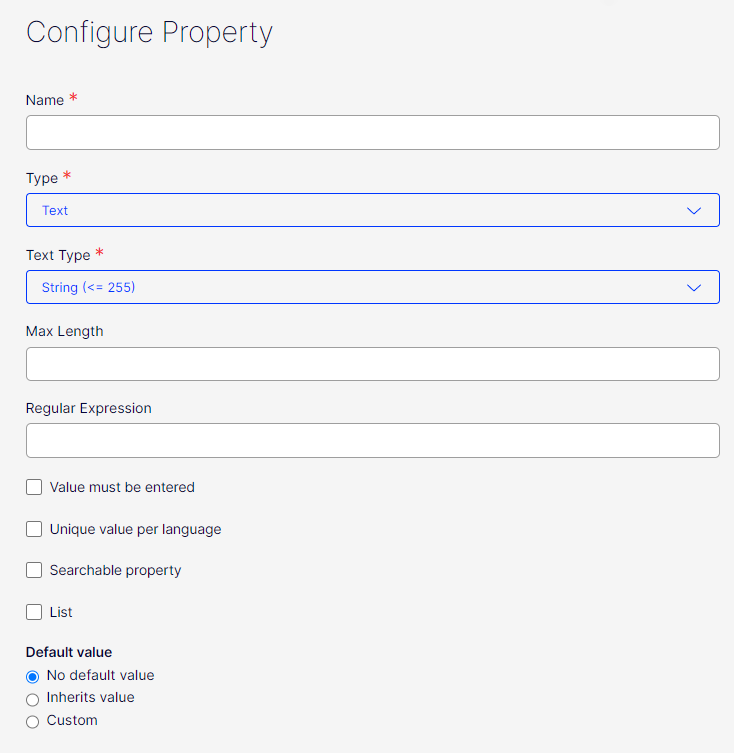
List properties
Since some time, creating list properties was available from code (you can read more about list properties here). Now it's also available from Admin mode. To create a list property, an Administrator has to enable the "List" checkbox.
Reordering properties
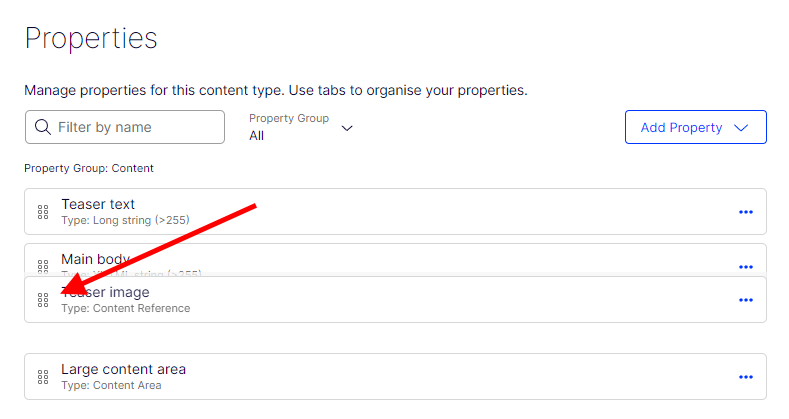
In the previous version, reordering properties was done with the "Sort index" input field on property details form. Administrator can still use this functionality, but now properties can be reordered in easier way by using drag & drop. Additionally, this functionality allows to change the group of the property.
Type selection
Before, the property definition type selector was a long list of types. Now, in the current version, types are grouped with additional dropdown. For example for Text group we can select Long string, String or XHTML.
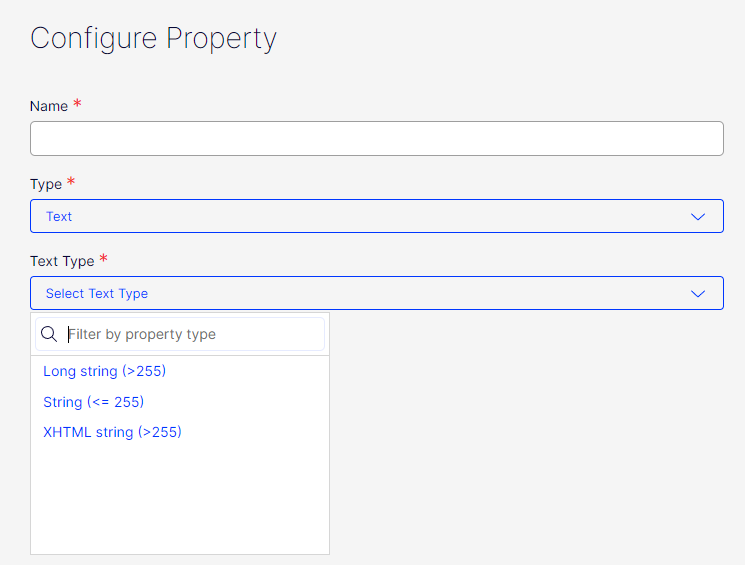
Settings
On the properties edit form, we now allow to configure some of the custom property settings.
Allowed types
For property types related with ContentReference type, like ContentArea, Content Item etc., an administrator can configure allowed and restricted types.
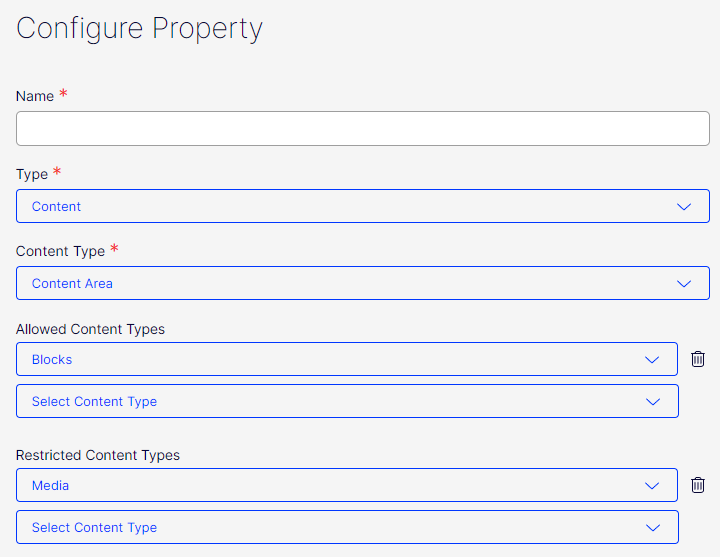
Dropdown lists
We changed the layout for dropdown lists to be more user friendly. There are no nested dialogs anymore and items can be configured directly from property edit form.
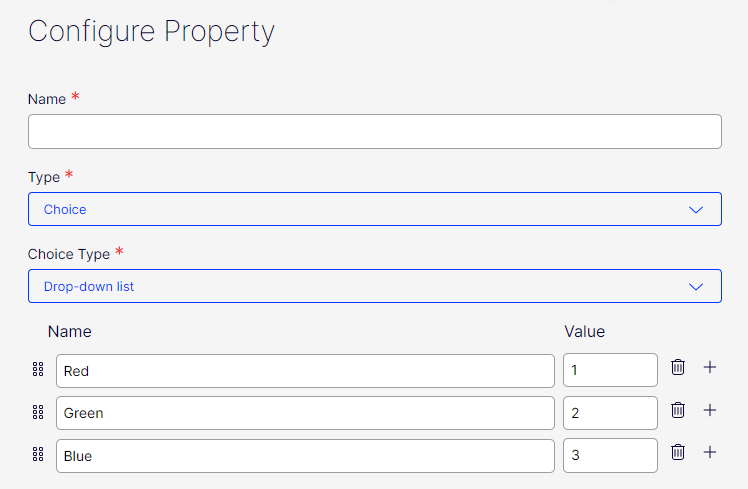
Numbers
For number property types (Integer and Floats), an Administrator can configure value range by setting minimum and maximum values. Range can be also configured for date properties.
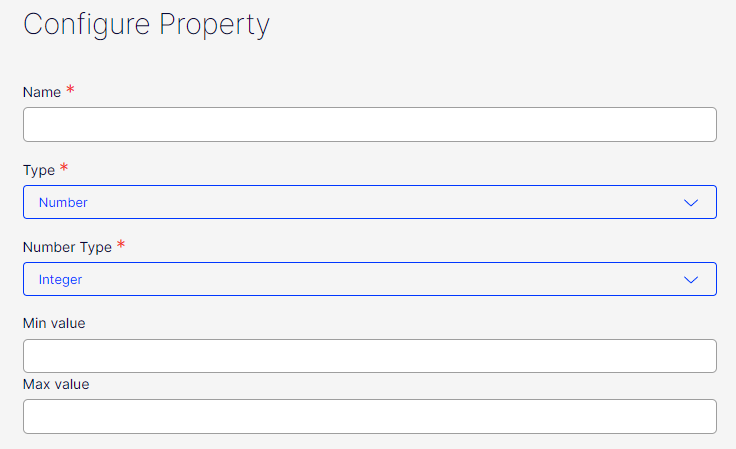
String
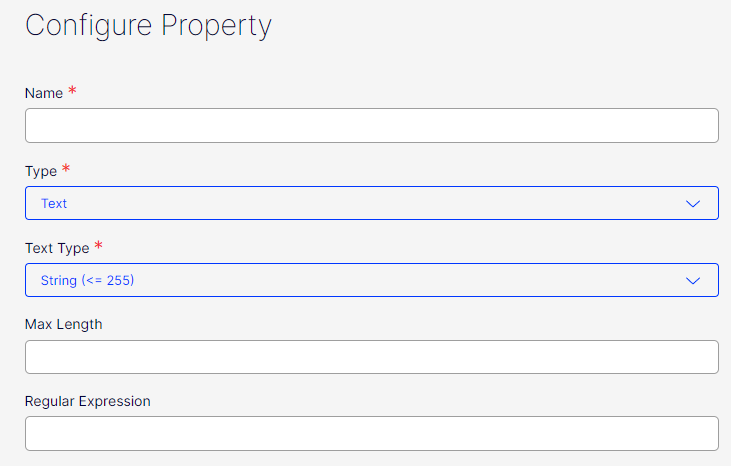
For String property types, an Administrator can configure a maximum length as well as input regular expression validation rules.
I am digging this. A lot!
Really nice update. Will be interesting to know if we are going back to the old way of defining properties only in db and no longer use models in code to create types? Regardless of this it feels nice that the old and forgotten admin interface now updates frequently :) Some feedback though on the edit interface is that we would like to have some more contrast and or color in the interface. It is a bit hard to actually find what is in focus with only diffrent shades of gray.
Thank you for your feedback Eric. As you mention, from time to time we will be upgrading Admin Mode layout.
The code first approach is valid and there are no plans to remove it. We updated the Ux for the Admin Mode and did not remove existing functionality.
Quick guide for the beginners.
Thanks.