

Optimizely Search & Navigation: Boosting in Unified Search
In the Optimizely Search & Navigation admin view, administrators can set a certain weight of different properties (title, content, summary, or document content). When an user searches for a keyword that matches to a property's value, the higher weight of that property will make the matching pages to be more likely to appear at the top of the search result.
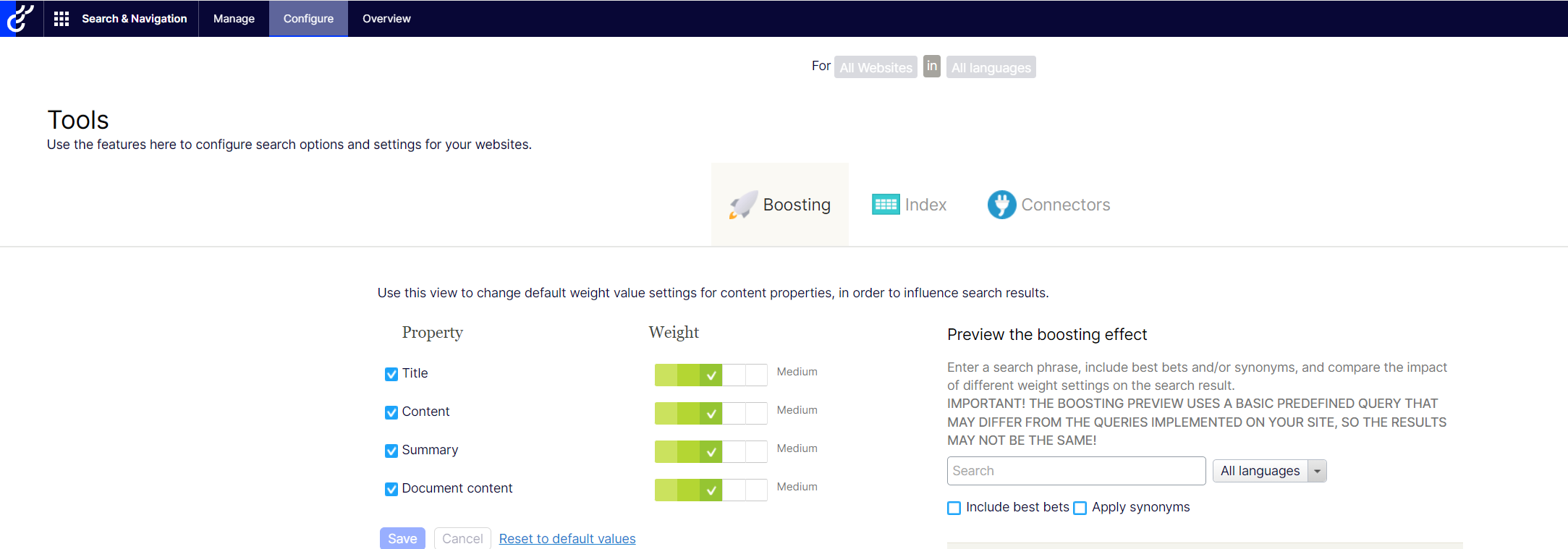
Once you configured the weights, you can boost scores by calling a standard Unified Search method - UnifiedSearchFor:
var result = client.UnifiedSearchFor(searchText).GetResult();
Or calling UsingUnifiedWeights() with no parameters. This can also boost the scores based on the admin-defined weights.
var result = client.UnifiedSearch(Language.English).For(searchText).UsingUnifiedWeights().GetResult();
The problem:
However, in real life scenarios, those 4 out-of-the-box property weights in admin view are obviously not enough. For example, we want to boost the Author's name of the Article Page when using search. How can we do that?
For more details, please visit this complete post.
Comments