

Another Accessibility Checker
EPiServer and Accessibility Checker
Seems an old topic in the current CMS market. There are many ways of checking the site’s compliance in EPiServer. Allan’s post talked about how to use WAVE to achieve the goal, and EditLive provides a rich editor that checks the compliance while the editor is typing. I thought it would be good to provide yet another alternative open source solution so the control is completely yours and it is free.
It is called AChecker, an open source project hosted by Adaptive Technology Resource Center at the University Of Toronto (see project page). Currently it checks your web page against WCAG1, WCAG2, Section 508 (US), BITV (Germany) and Stanca Act (Italy). It is written in PHP/MySQL as an open source project, which means you can download it, set it up, and use it locally on your server. If PHP is not your plate of food, you can always convert it to .NET.
Features and why it is different:
- Compliance selection
- Multi-lingual support
- Guideline creation and customisation
- Decision making for warnings (checks that machines are not clever enough to perform)
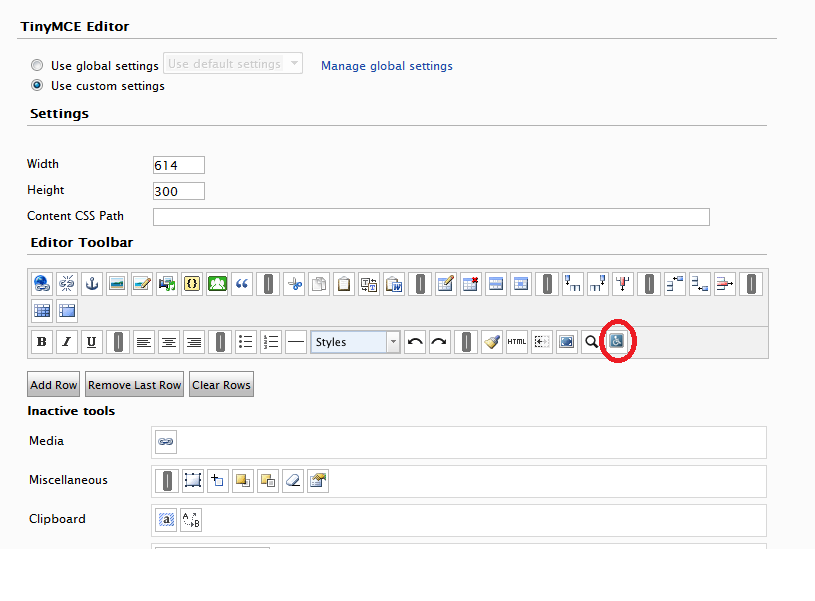
- TinyMCE Plug-in
For more details, check out these pages:
http://www.tinymce.com/wiki.php/Accessability
Here is the URL pointing to a little open source CMS (ATutor) that show how an editor interface could be integrated with AChecker.
http://atutor.ca/atutor/demo.php
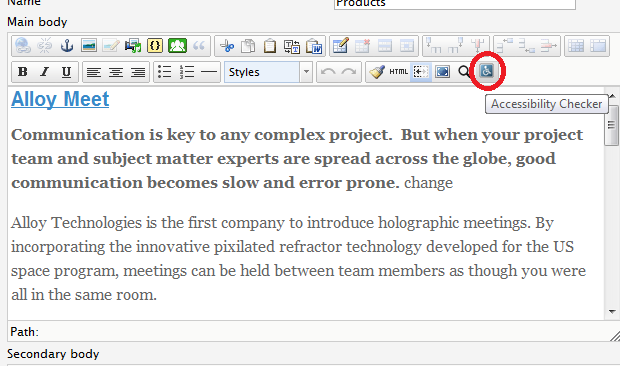
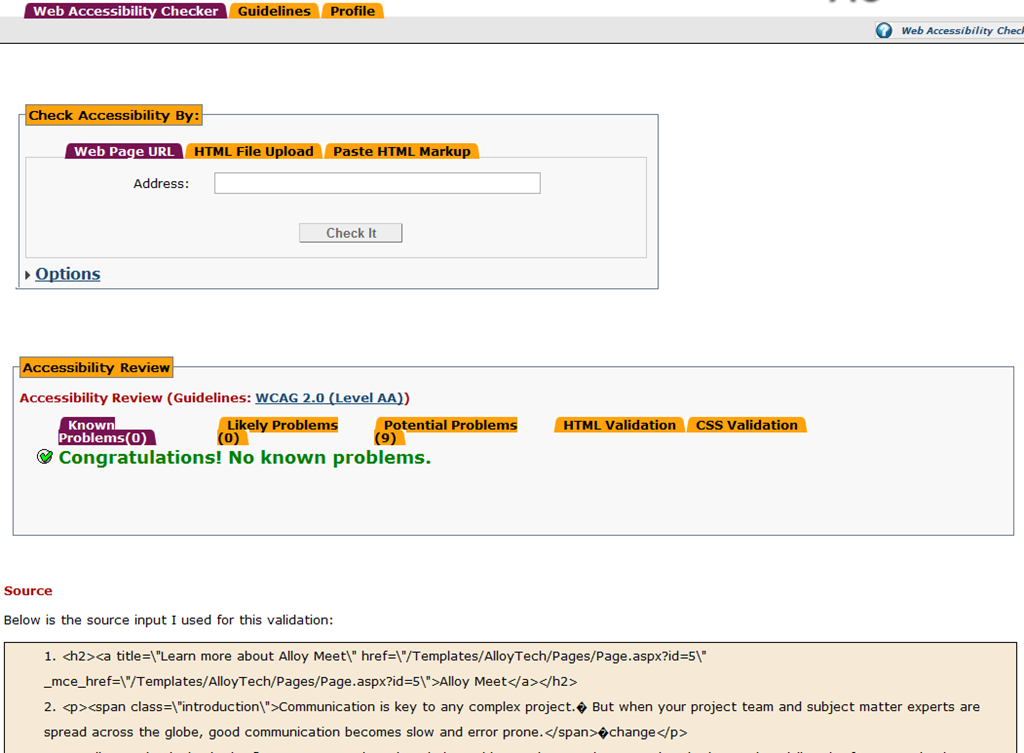
Fortunately if you are not ready to do the local install, AChecker also provides a URL that can take HTML as input through POST request, and return the errors and warnings to you. Better still, it has a ready to use TinyMCE plug-in that you can take and plug straight into your EPiServer editor. This probably is exactly what editors need as they only need to care about the content they are responsible for instead of the entire page.
Integration with EPiServer
This is what I tried as the first step. The following screenshots shows the idea
Next Steps
As you can see by now, using the URL and posting HTML to it may not be ideal for editors who normally do not understand those errors and warnings in the context of the HTML source. If you need to take a step further because of this, you will have two options:
a) Although I have not tried myself, you could utilise AChecker Web Service APIs documented here to pass in the HTML, analyse the returned message and highlight the corresponding text within the TinyMCE editor or in preview mode
Or
b) Forget about the on-line service. Download everything and install the checker locally. You can remove user interface provided by the application and just convert the checker engine to .NET (we have done that for a former version of AChecker in my previous job and it took 1 man 2 weeks), then the control is all yours how you want to integrate with EPiServer.

Comments