

Extended routing for Episerver Content Delivery API
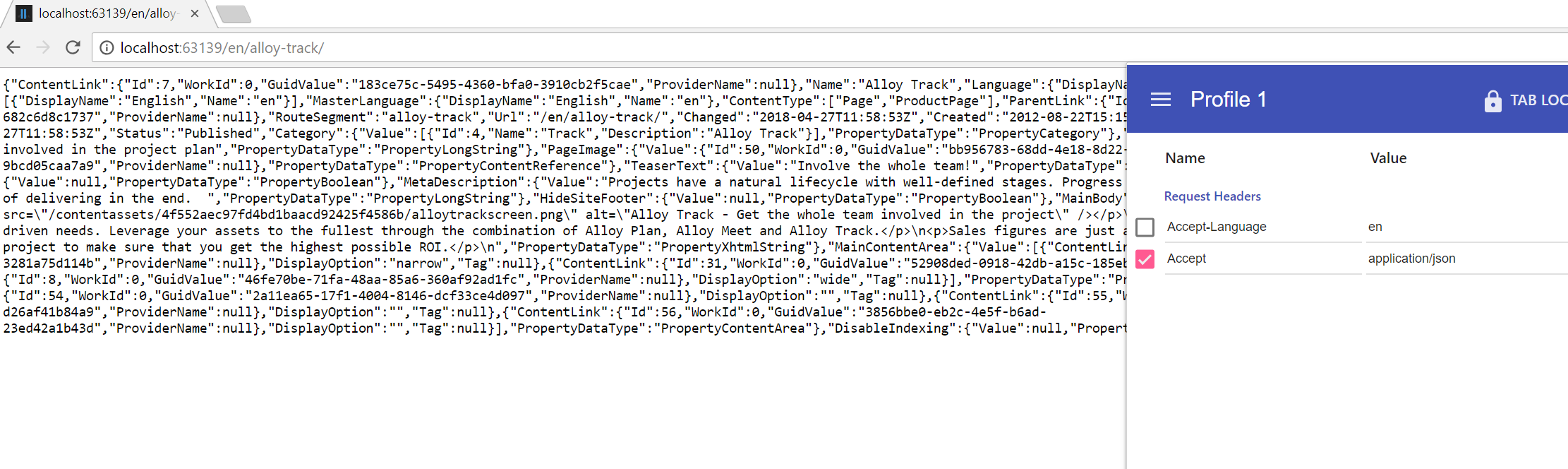
Episerver Content Delivery API delivers content through Urls like: http://<your-site-url>/api/episerver/v1.0/content/<contentReference>. During my hackday I thought I should extend the CMS routing so that it is possible to use the same "Friendly URLs" as in CMS. My idea was to hook into the CMS routing and after a content has been routed look at the Accept header and in case it was "application/json" rewrite the request to the Web API controller in EPiServer Content Delivery.
So I did not want to do any Json serialization but rely on Content Delivery API for that (same with access checks) and I did not want todo a redirect but stay on the friendly url.
It turned out to work quite straightforward. I found a small issue in CMS (which I reported an bug for) that made it a bit more complicated than it should have needed to be, but it was quite easy to workaround.
The result looks like this for an alloy site when applying Accept header:
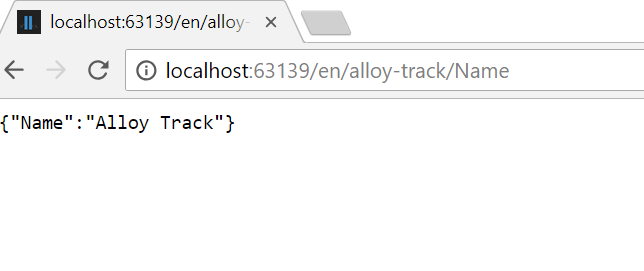
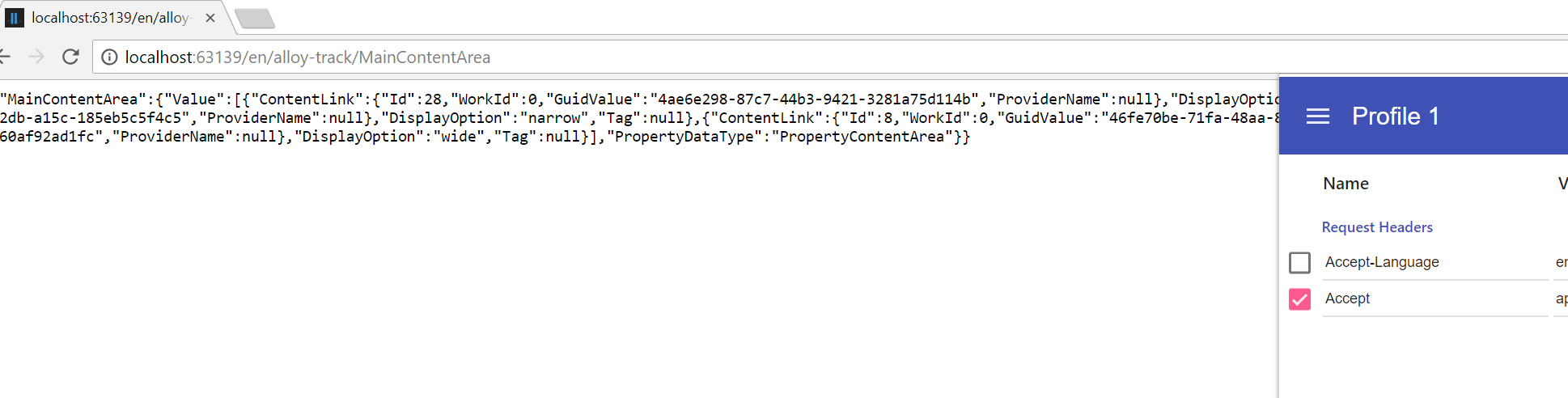
One thing that often is a problem with REST is that you often gets huge Json responses even if you are only interested in some property. A nice solution to that problem is Graph QL, for this hackday though I did not have time to look into adding Graph QL support (perhaps a topic for next hackday). What I did instead was adding a partial router that routes to individual properties for content and then I added an action filter to the WebAPI where I filter the Json result to the routed property. So then it is possible to do requests for individual properties like below where Name and MainContentArea are properties on the content item with url http://localhost:63139/en/alloy-track:
The code is available at https://github.com/jbearfoot/ContentDeliveryExtendedRouting (there is also a nuget package there that you can install). The module does not need any configuration or setup of either CMS or ContentDelivery its just reference it and it should just work.
Disclaimer:
This is nothing offically supported by EPiServer, you are free to use it as you like at your own risk.

Ah, I remember I read somewhere about FURL and WebAPI but I could not recall what it was but it was probably from that post. That's why I never succeeded in soccer, always second at the ball...;-) But interesting, will go and see how he solved the routing part
I didn't "solve it", I cheated a bit with a HttpModule ;)
I started out with partial routing since that felt "more right" but I never figured it out... So now I will probably steal your code :)
I think you solved it nicely, not many lines of code, but of course it requires a httpmodule to be registered.
The partial router I have is to be able to solve property routing. Then I have an event handler to IContentRouteEvents.RoutedContent that does a rewrite. Unfortunately I found an issue in CMS that required me to wrap all IContentRoute instances. But I have reported that as a bug and it is a one-liner to fix. So if you want to take inspiration I suggest you to keep track of issue CMS-10523, because when that is fixed the wrapper can be removed and then it should be just a partial router and an event handler (or just an event handler if you do not care about property routing).
Yes I tried using that event as well, maybe I hit the same bug as you did?
Anyhow, I think that your solution is much cleaner, thanks for sharing! :)
But in your case you could probably just have an eventhandler to IContentRouteEvents.RoutedContent and load the content from args.RoutingSegementContext.RouteContentLink and then do the same as you do in your httpmodule in the event handler (that is write to the response and then end it) since you do not need to rewrite/redirect the request anywhere.