


Experimentation at Speed Using Optimizely Opal and Web Experimentation
If you are working in experimentation, you will know that speed matters. The quicker you can go from idea to implementation, the faster you can learn, optimise, and deliver impact.
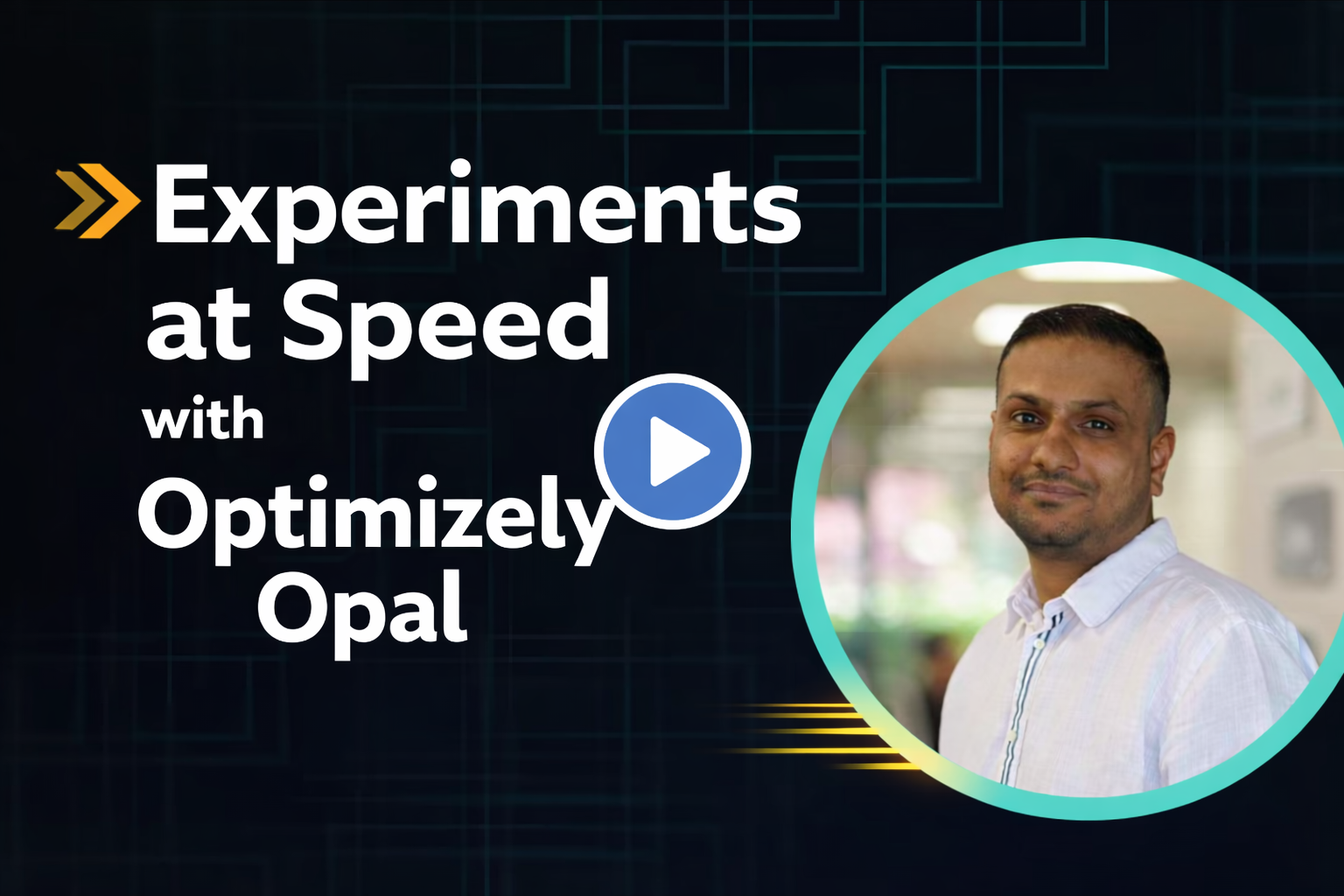
In this short video, I demonstrate just how quick and easy it is to use Optimizely Opal alongside Optimizely Web Experimentation to create and execute an experiment at pace. What normally takes multiple manual steps can be dramatically accelerated, with Opal helping to streamline the entire workflow.
The scenario: make a quick change and run an experiment
The goal of the demo is simple. I want to make a small change to a website and show how fast I can turn that into a working experiment using Opal.
Rather than spending time manually setting everything up, Opal can assist with the process and help generate what you need, quickly and efficiently.
Why this matters: speed and experimentation velocity
The real value here is the speed.
Using Optimizely Opal with Web Experimentation means you can:
-
reduce time spent on setup
-
increase experimentation throughput
-
test more ideas more frequently
-
accelerate learning cycles across your digital estate
It is genuinely exciting to see experimentation becoming this efficient, and it opens up huge potential for teams who want to move faster without compromising quality.
Final thoughts
Using Optimizely Opal and Web Experimentation together is an absolute dream. The speed in which you can execute experiments, and have Opal support so much of the process for you, is truly impressive.
If you are exploring ways to increase experimentation velocity, this is well worth looking at.
Thank you for watching.
Comments