
Jacob Pretorius
OMVPFeature Experimentation Administrator CertificationPaaS CMS Developer Certification +8
Aug 14, 2019
visibility 5135
star star star star star star
(11 votes)

Quick Episerver Custom Login Background

I'm sure we've all had the same request many times, "Could you change the CMS login background image for us?". It's not a difficult thing to do or something that takes much time.

The other day I was creating three different new Episerver solutions and I as I was doing the same thing for each of them it struck me that I've never actually checked to see if there is a NuGet package that does this.

I had a look around and could not find anything that is also customizable if I didn't like the particular new background image the plugin creator chose for me.

With that in mind, I've created Zone.Epi.BlankLoginBackground for a one-click customizable CMS login background change.
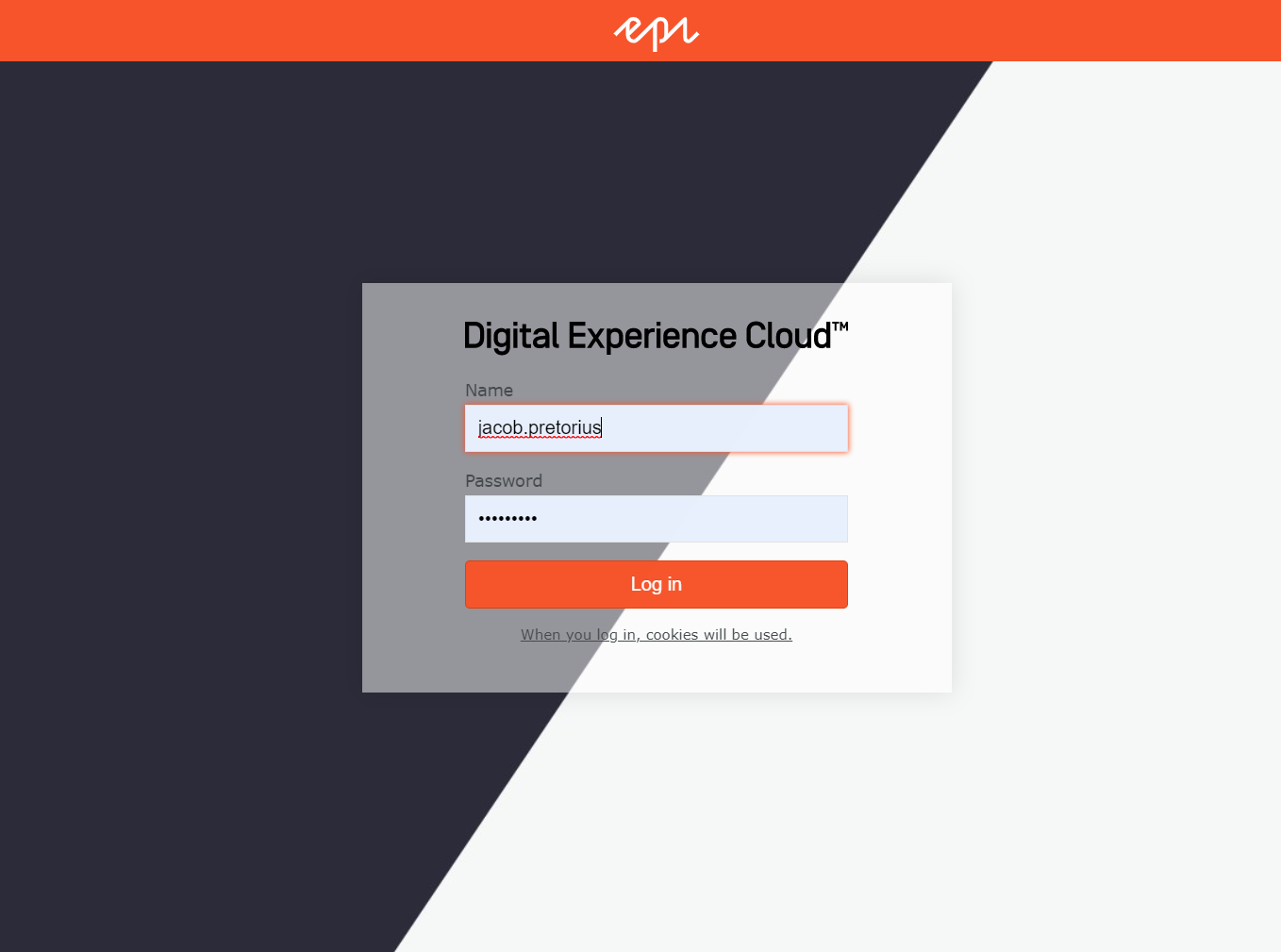
All you need to do is install it via the Episerver NuGet feed and you are good to go. On the next CMS login you will see a more generic login background image.

If you would like to use any other image all you need to do is replace login-background.jpg in the newly created project directory \Static\Images\CMS\ and it will be used automatically.

As usual, the code for this plugin can also be found on GitHub.

Aug 14, 2019

Comments

Peter Bennington
Peter Bennington Aug 14, 2019 08:53 AM

Nice work Jacob

error Please login to comment.
Latest blogs
cms13-scan: A Deterministic CMS 13 Readiness Scanner

Every CMS 12 to CMS 13 upgrade I have looked at starts the same way. Someone opens the solution and starts hunting. A text search for the APIs

Adnan Zameer | Oct 12, 2026 |

Setting Up an Optimizely CMS 13 MCP Server Locally with Codex

Optimizely CMS 13 supports Model Context Protocol (MCP) , allowing AI tools such as Claude and Codex to interact with CMS content and metadata...

Mardy | Oct 12, 2026

Handling SixLabors.ImageSharp vulnerability warnings in Optimizely CMS 12 (unofficial)

UPDATED: Optimizely is officially working with SixLabors to find a solution, if possible; the work ID is CMS-57231. An official decision/announceme...

Cuong Nguyen Dinh | Oct 10, 2026

Optimizely CMS 12 on .NET 10: Fixing a Siteimprove TypeMismatchException

Recently, while upgrading an Optimizely CMS 12 solution from .NET 8 to .NET 10, we encountered a frustrating exception that initially looked like a...

Madhu | Oct 9, 2026 |

What made Scheduled Jobs faster in Optimizely CMS 13.3.0

A look under the hood at the update that made scheduled jobs faster.

Tomas Hensrud Gulla | Oct 9, 2026 |

New DDS explorer addon for Optimizely CMS

I wanted to be able to manage Dynamic Data Store from within Optimizely CMS, so I created another addon.

Tomas Hensrud Gulla | Oct 8, 2026 |