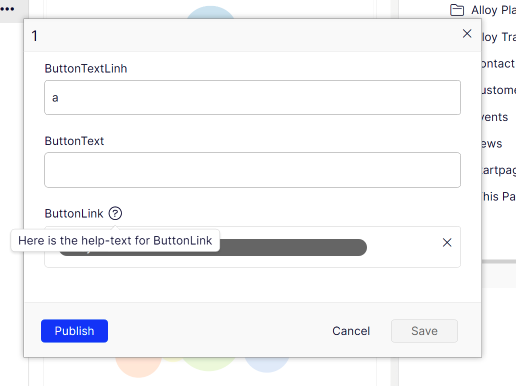
Move inline block edit from Labs.BlockEnhancements to CMS UI
Features in EPiServer.Labs.BlockEnhancements have been used and appreciated by many users. The most common feature - inline editing, now becomes a part of the product and will be available from CMS UI 11.32.0.
Inline Edit
Using the Quick Edit command from the context menu, editors can edit blocks without changing the current content context. The command is available in Forms View, On-Page Edit and the assets pane.
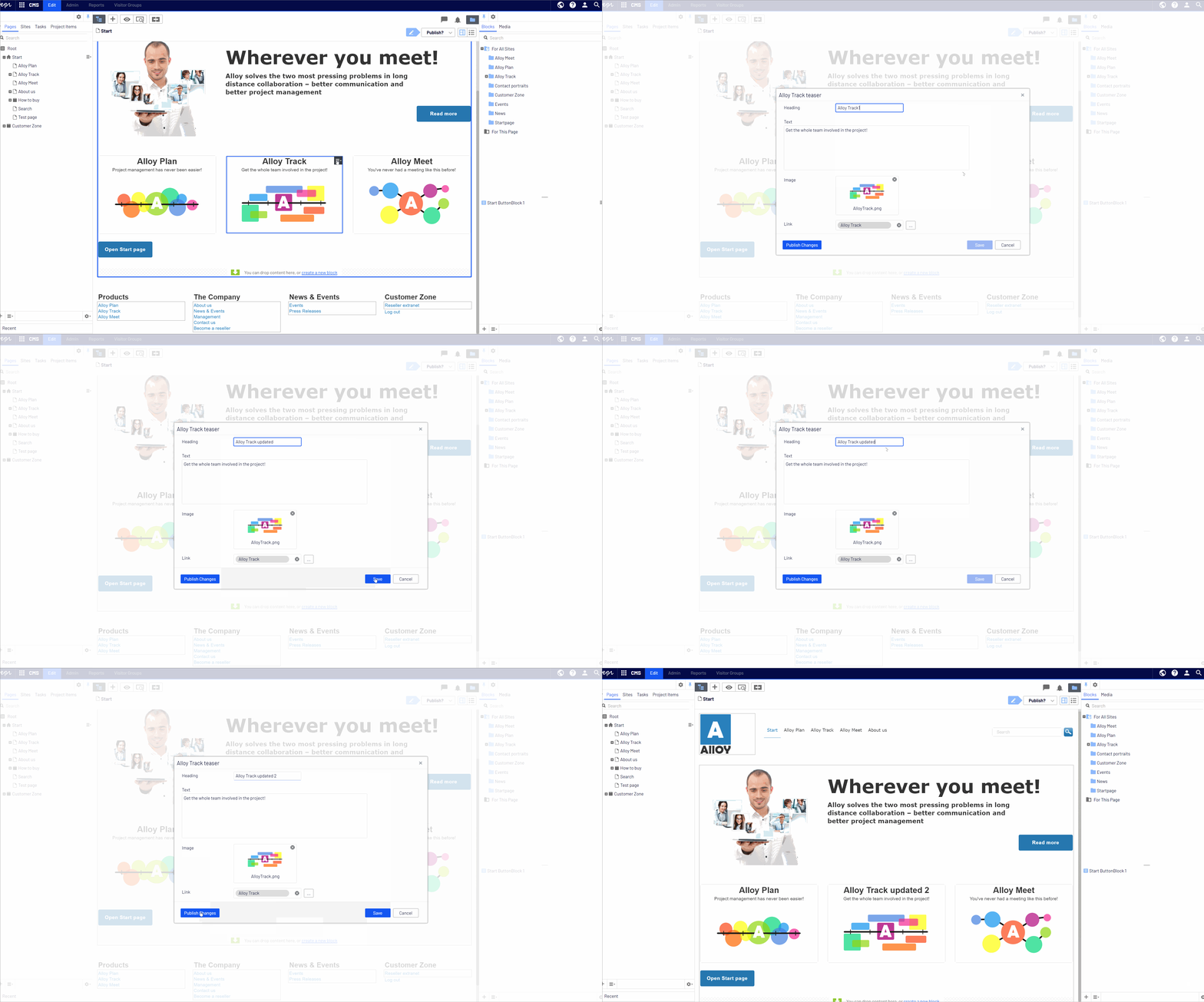
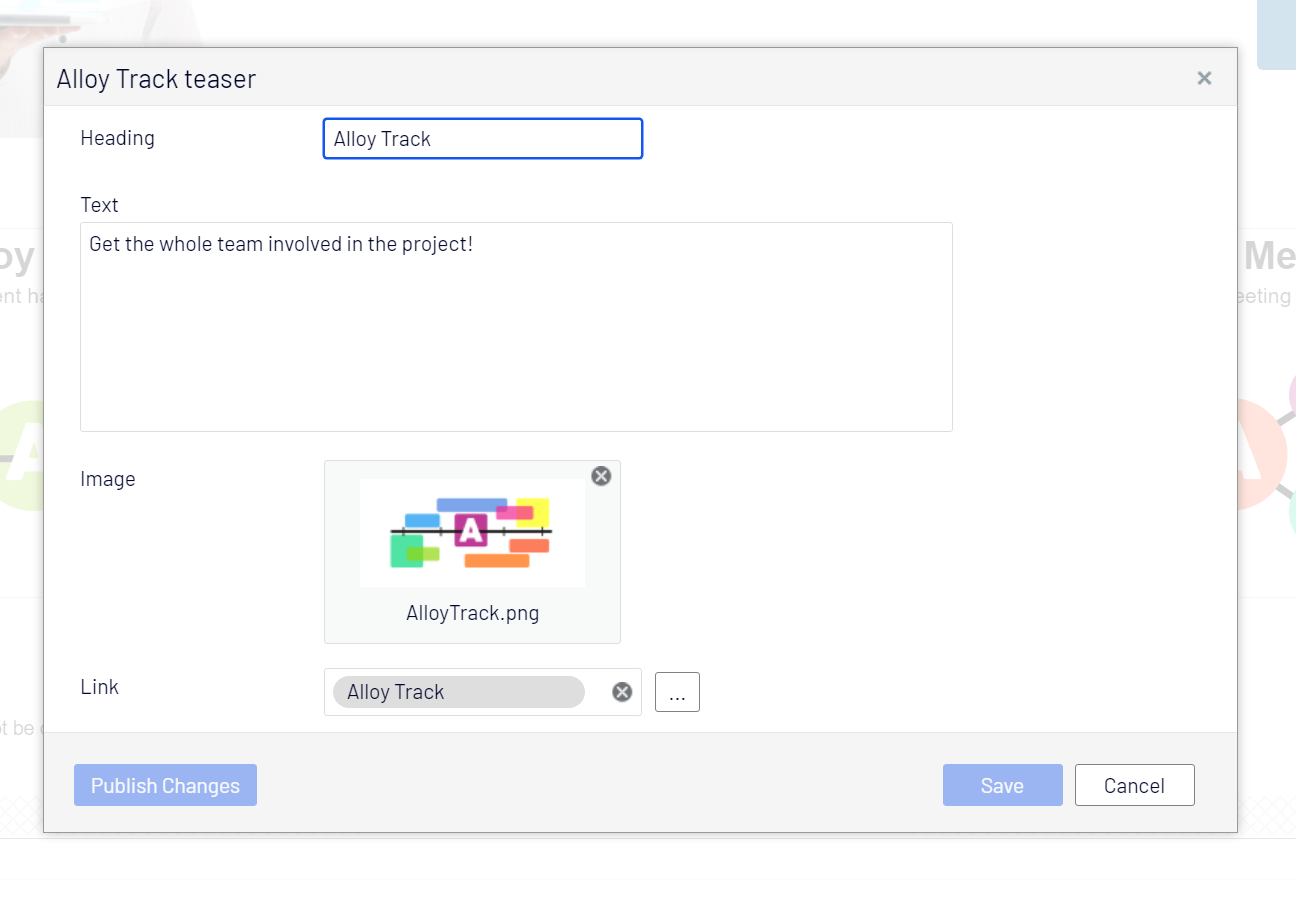
The command opens a dialog box with an editable block form. Editors can edit blocks the same way as when switching to blocks editing context.
By default, the Name, Categories properties and the Setting tab are hidden. This developer guide topic shows how to enable them with InlineBlockEditSettings attribute.
The bottom-left button mirrors the main button in the Publish menu, so it can be Ready for Review, Ready to Publish, Publish or Publish Changes. It helps editors to change the block's status directly from the inline edit dialog box.
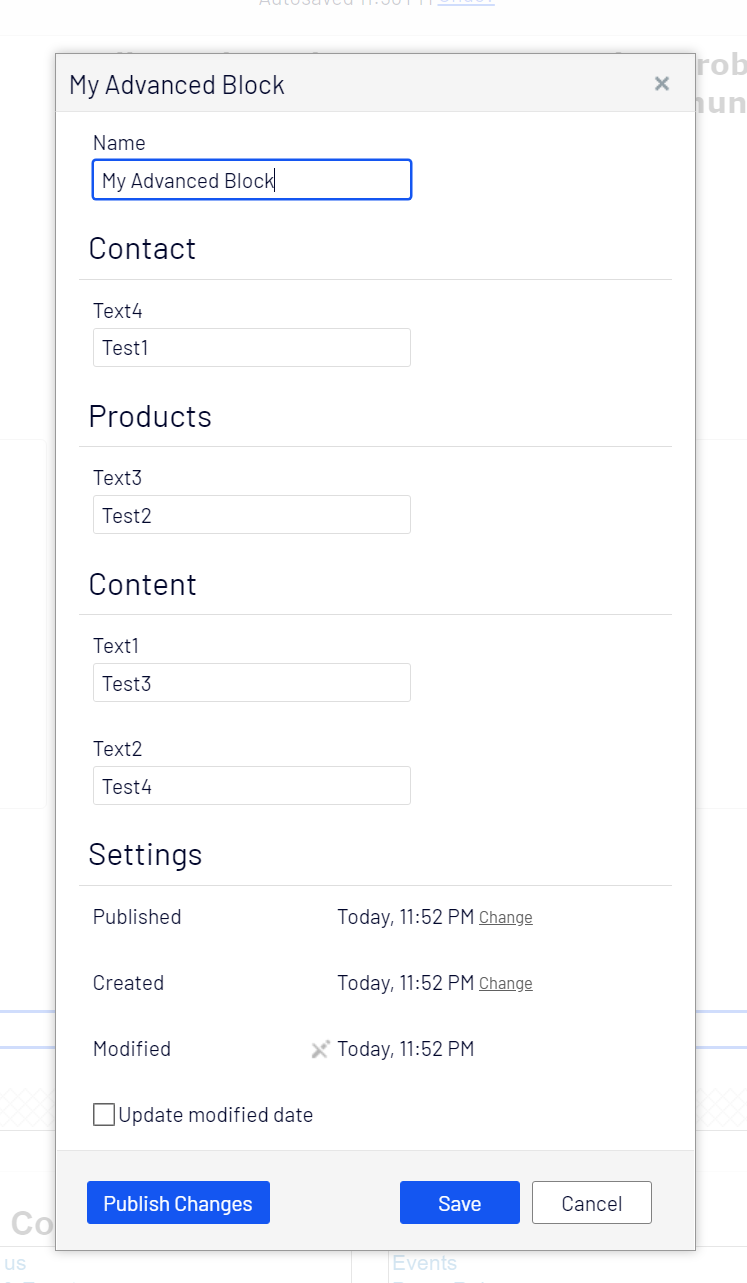
For block content types that have properties in more than one tab, those tabs are replaced with sections in the inline edit dialog box. Below is an example of a block type which is configured to show Name property and Setting tab, and has property in three tabs - Contact, Products and Content.
    [SiteContentType(GUID = "9E7F6DF5-A963-40C4-8683-211C4FA48AE1")]
    [SiteImageUrl]
    [InlineBlockEditSettings(ShowNameProperty = true, HiddenGroups = "")]
    public class AdvancedBlock : SiteBlockData
    {
        [Display(Order = 1, GroupName = SystemTabNames.Content)]
        public virtual string Text1 { get; set; }

        [Display(Order = 2, GroupName = SystemTabNames.Content)]
        public virtual string Text2 { get; set; }

        [Display(Order = 1, GroupName = Global.GroupNames.Products)]
        public virtual string Text3 { get; set; }

        [Display(Order = 2, GroupName = Global.GroupNames.Contact)]
        public virtual string Text4 { get; set; }
    }
If you have a previous version of EPiServer.Labs.BlockEnhancements installed, you should upgrade to the version 0.10.0 as it is compatible with CMS UI 11.32.0
Compatible version of Labs.ContentManager to work with CMS UI version 11.32.0 is coming soon.
Very nice 👍
Great to see that the CMS part isn't forgotten. A great editor experience is a key to success.
Waited for this, why not use tabs? =)
I agree with @GOSSO, use tabs.
Would be nice if it worked in the All Properties view.
@GOSSO, @Mike: I should have used tabs in the demo, but tabs is supported.
@Mike: It works in All Properties view as well
"you should upgrade to the version 0.10.0"? shouldnt you make clear that you can uninstall Labs.BlockEnhancements, also seems that Advanced.CMS.Forms should be uninstalled ?
@gosso: Labs.BlockEnhancements has other features that people might still use (smart publish, inline publish, status indicator...), for those they should upgrade to 0.10.0 to make Labs.BlockEnhancements compatible with CMS UI. I haven't checked Advanced.CMS.Forms, but we do have some issues with compatible versions of Advanced.CMS vs CMS UI 11.32.0
Thanks Linh Nguyen for this.
Is it possible to have the help-text for each property visible?
Hi Jonas,
The help-text should be visible for those properties that have.