

World Login is Moving to Opti ID
Starting Wednesday, September 24th, (at 2:00 PM EST) world.optimizely.com will require Opti ID for all logins. This change brings World in line with the rest of the Optimizely ecosystem and ensures a seamless, secure experience across products. Here’s what’s changing, why it matters, and how to prepare.
Next Step: Check Your Inbox for Your Opti ID Invite
You’ll need an Opti ID to log into World. Invitations were sent,check your inbox and spam folders for a message from us. Didn’t receive one? Reach out and we’ll make sure you get set up.
What is Opti ID?
Opti ID is our single sign‑on solution that lets you use one account for all Optimizely products. It offers a single login URL, switching between products without re‑entering credentials, unified user and group management via the Admin Center, and a central place to view usage and billing dashboards support.optimizely.com. Opti ID even supports optional features like SAML/OpenID Connect integration, multi‑factor authentication and SCIM provisioning for automated user
✅ Why We’re Making This Move
-
Unified Access: With Opti ID you’ll log in once and switch between products like CMS, CMP and Experimentation using a global navigation bar
-
Improved Security: Opti ID uses industry‑standard protocols and can be configured with MFA or your own identity provide Simpler Workflow: Manage your account, users and roles in one place and move seamlessly across Optimizely tools
How to Log In with Opti ID (Quick Tutorial)
-
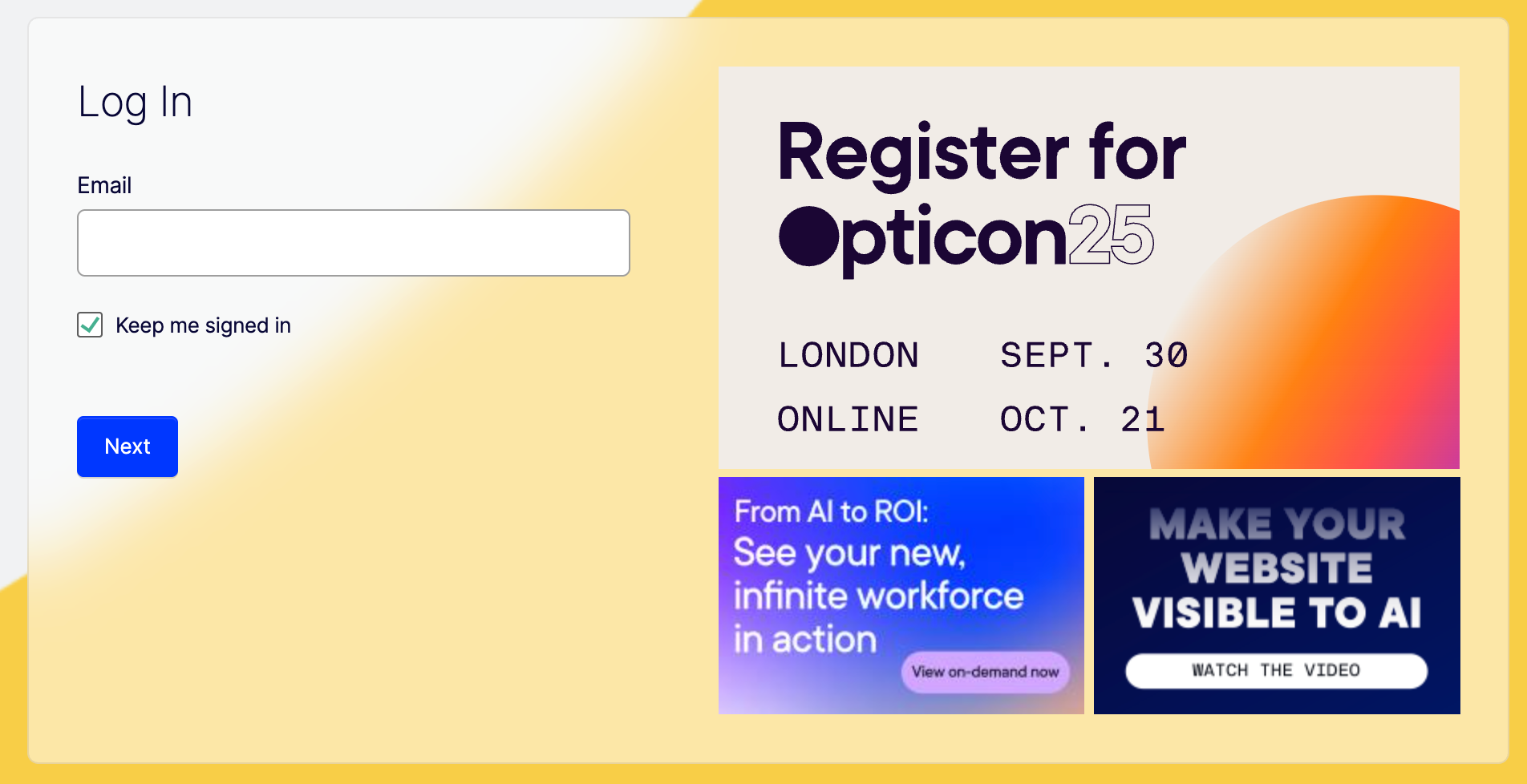
Click the Log In button on world.optimizely.com.
-
Enter your Opti ID email and continue.
-
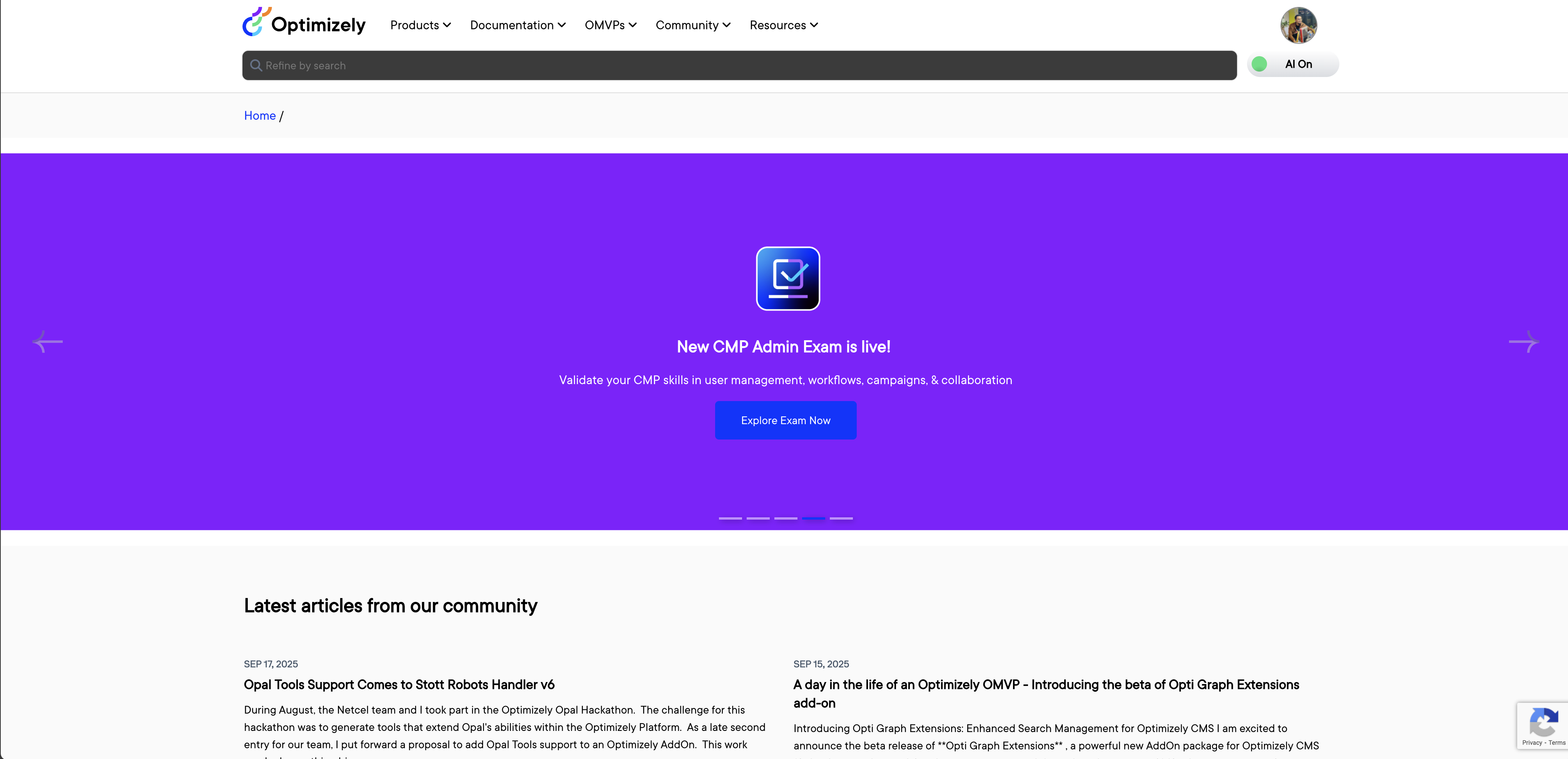
Enjoy the World community! You’ll now be logged in via Opti ID and can engage with and create forums, blogs and resources.

Need Help?
This change will go live on Wednesday, September 24th, at 2:00 PM EST. Please make sure you’re ready by checking your inbox for your Opti ID invite and confirming your login works ahead of time. If you haven’t received your Opti ID invite or have trouble logging in, contact us. We’re here to ensure the transition is smooth. Please contact epw@optimizely.com with details for assistance.
We appreciate your patience and look forward to welcoming you to World with Opti ID!
Learn more about Opti ID in our user guide.
Thanks for the info. It helps. :)
Will Gmail and outlook accounts work?
Hi @K.Khan, as long as they're associated with Opti ID, they should work.
If I understand your post correctly, we are supposed to get invitations mail for Opti ID registration. But nobody in our organisation has gotten any emails about this. And as a consequence, we have 150+ developers who no longer can login.
How does this process work?
@Johan Book
Hi Johan,
Thanks for reaching out, we're looking into it. Getting back as soon as we have an update.