search
AI OnAI Off



 workspace_premiumworkspace_premiumworkspace_premium
 workspace_premium
 If you're using SSR, make sure your layout includes the required footer client resources:
<required-client-resources area="Footer" />
This loads the CMS client resources, including communicationInjector.js, which is needed for communication between the CMS editing UI and the preview. Without it, changes such as Visual Builder styles or content updates may be saved but not reflected in the preview until you manually refresh the page.
This is also mentioned in the CMS 13 documentation, where Optimizely explains that the preview integrates with the delivery site using communicationInjector:
https://docs.developers.optimizely.com/content-management-system/v13.0.0-CMS/docs/configure-visual-builder#preview
If you're using a headless frontend, you need to include communicationInjector.js yourself. For example, in Next.js:
<Script src={`${cmsUrl}/util/javascript/communicationInjector.js`} />
I reproduced the issue locally with SSR: without the footer client resources, the preview didn't update when I changed the Visual Builder styles. After adding them, both style changes and content changes refreshed correctly.
I am using SSR. I have that in my layout already.
Updating styles in visual builder never refreshes. I am applying them to an element.
I'm unsure if we're talking about the same thing.
Editing properties on the block works fine
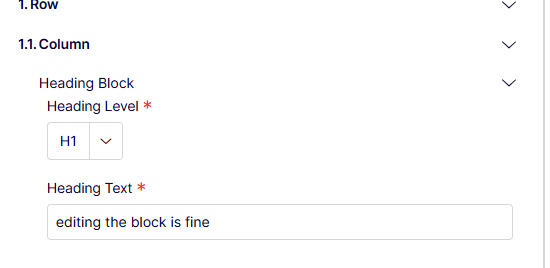
It's editing Styles that does not refresh automatically. If I publish, or refresh the CMS UI on the draft then my style changes are visible.
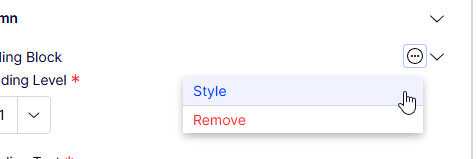
workspace_premiumworkspace_premiumworkspace_premiumworkspace_premium I tried to reproduce your setup more closely.
I created a Heading Block as a Visual Builder element with:
- Heading Level (dropdown)
- Heading Text
I then created a Display Template specifically for the Heading Block content type, with an Alignment display setting (Left, Center, Right), and mapped those values in my SSR Experience view using epi-styles.
I tested both cases:
1. Changing Heading Text updates the preview immediately.
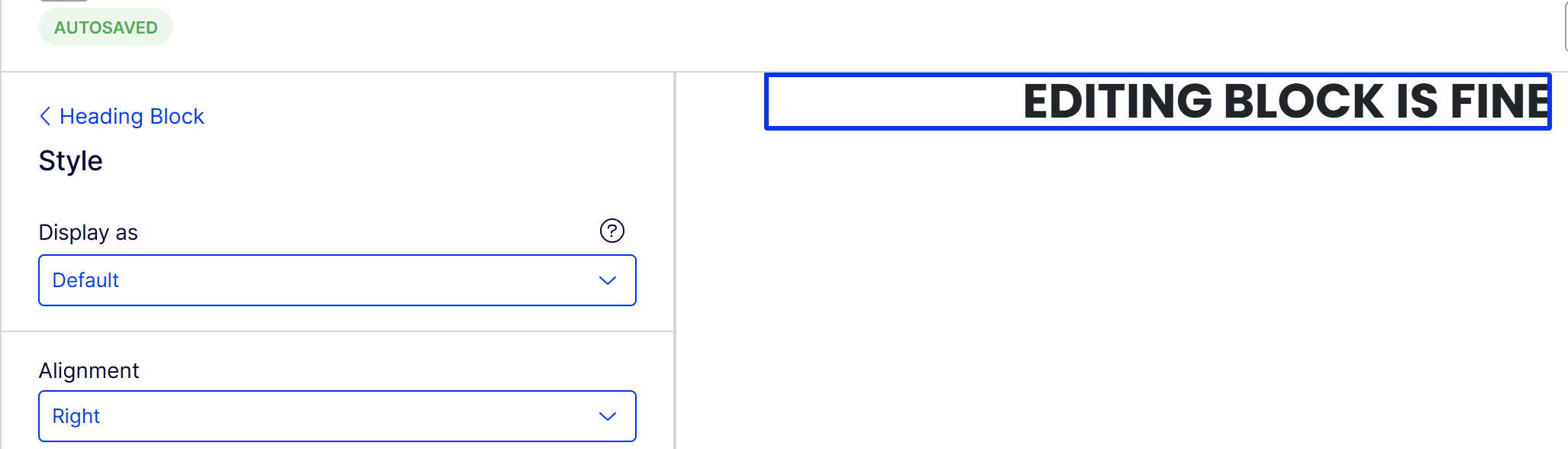
2. Going to ... → Style and changing Alignment also updates the preview immediately.
I've attached screenshots of it working and my experience razor view. So unfortunately I still can't reproduce the issue locally.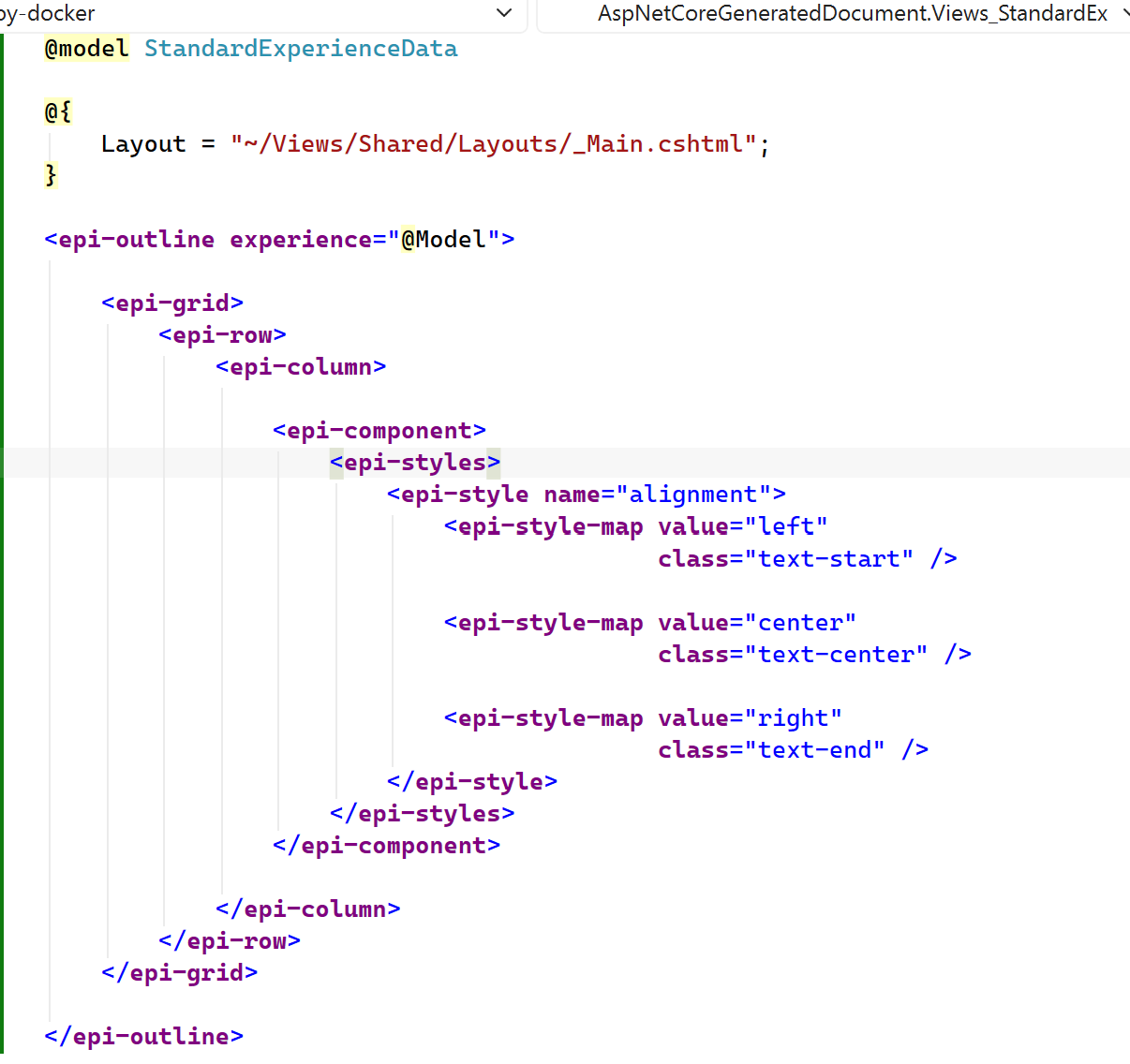
Even with optimizely tag helpers I cannot get this to work.
I even made a new empty project to try and get this down to the simplest reproducible form, just a single display setting, it's a checkbox now.
Here's some content types, and a module to register the display template
[ContentType(
    DisplayName = "Blank Experience",
    GUID = "7EBF27CD-5D1F-47C3-9B74-6A09858CF9FE")]
public class BlankExperience : ExperienceData;

public class BlankExperienceController : PageController<BlankExperience>
{
    public Task<IActionResult> Index(BlankExperience currentContent)
    {
        return Task.FromResult<IActionResult>(View(currentContent));
    }
}

[ContentType(
    DisplayName = "Blank Section",
    GUID = "738304E5-359D-407E-A00C-195C121B483E")]
public class BlankSection : SectionData;

[ContentType(
    DisplayName = "Heading Block",
    GUID = "7A50FBF7-2250-4D96-817A-5D3DBE8E9CFF",
    CompositionBehaviors = [CompositionBehavior.ElementEnabledKey])]
public class HeadingBlock : BlockData
{
    public virtual string? Text { get; set; }
}

public class HeadingBlockViewComponent : AsyncBlockComponent<HeadingBlock>
{
    protected override Task<IViewComponentResult> InvokeComponentAsync(HeadingBlock currentContent)
    {
        return Task.FromResult<IViewComponentResult>(View("~/Views/Shared/Components/HeadingBlock/Default.cshtml", currentContent));
    }
}

[ModuleDependency(typeof(EPiServer.Web.InitializationModule))]
public class Module : IInitializableModule
{
    public void Initialize(InitializationEngine context)
    {
        var contentTypeRepo = context.Services.GetRequiredService<IContentTypeRepository>();
        var displayTemplateRepo = context.Services.GetRequiredService<IDisplayTemplateRepository>();
        var headingBlockType = contentTypeRepo.Load<HeadingBlock>();
        var template = new DisplayTemplate()
        {
            Key = "headingBlockDefault",
            Name = "Heading Block",
            ContentTypeID = headingBlockType.ID,
            Settings =
            [
                new DisplaySetting()
                {
                    Key = "foo",
                    Editor = "checkbox",
                    Name = "Foo"
                }
            ]
        };

        if (displayTemplateRepo.Load(template.Key) == null)
        {
            displayTemplateRepo.Save(template);
        }
    }

    public void Uninitialize(InitializationEngine context)
    {
    }
}

My layout
@using EPiServer.Web.Mvc.Html

<!DOCTYPE html>
<html lang="en">
<head>
    <meta charset="utf-8" />
    <meta name="viewport" content="width=device-width, initial-scale=1.0" />
    <title>@ViewData["Title"]</title>
    @Html.CanonicalLink()
    @Html.AlternateLinks()
    <required-client-resources area="Header" />
    @await RenderSectionAsync("Styles", required: false)
</head>
<body>
    @await Html.RenderEPiServerQuickNavigatorAsync()
    @Html.FullRefreshPropertiesMetaData()

    <main role="main">
        @RenderBody()
    </main>

    <required-client-resources area="Footer"/>
    @await RenderSectionAsync("Scripts", required: false)
</body>
</html>
The experience page is nothing special either
@model opti_test.BlankExperience

<epi-outline experience="@Model">
    <epi-grid>
        <epi-row>
            <epi-column>
                <epi-component/>
            </epi-column>
        </epi-row>
    </epi-grid>
    <epi-component/>
</epi-outline>


My block is reading the display setting
@using EPiServer.Web.Mvc.TagHelpers.Experience.Internal
@model opti_test.HeadingBlock

@{
    string? foo = null;

    if (ViewData.TryGetCompositionRenderingNode(out var node)
       && node.DisplaySettings.TryGetValue("foo", out var value))
    {
        foo = value;
    }
}

<div>Foo = @foo</div>
<h1 epi-property="@Model.Text"/>


Changing the style never updates my preview, changing the block's properties always updates my preview.
workspace_premiumworkspace_premiumworkspace_premiumworkspace_premium I think I found one difference between our setups, you're reading DisplaySettings manually from the composition node inside the block view using TryGetCompositionRenderingNode, whereas in my test I'm mapping the display setting on the epi-component using epi-styles
It may be something like this:
<epi-component>
<epi-styles>
<epi-style name="foo">
<epi-style-map value="true" class="foo-enabled" />
<epi-style-map value="false" class="foo-disabled" />
</epi-style>
</epi-styles>
</epi-component>
with that way, style changes refresh immediately for me.
Your approach clearly gets the correct value after a full refresh, but TryGetCompositionRenderingNode is coming from an Internal namespace and bypasses the normal Visual Builder style mapping path. It might be worth trying the same checkbox through epi-styles to see whether that changes the refresh behavior.
I will try to confirm if I can get the preview to refresh when using tag helpers.
I had tried previously, and while the tag helpers did apply the correct class, I did not see the preview refresh automatically (though I could've sworn I saw it work as expected once).
I had also opened a support ticket on the bug and optimizely has created https://world.optimizely.com/support/Bug-list/bug/CMS-39520
So I'm hoping that will address my particular use case.
Thanks for your help.
Version Tested:
CMS 13.0.2
Problem:
When an author changes a style/display template property on a section/row/column/element the preview does not update,
so authors cannot visually see the result of their change.
A full refresh of the CMS UI is required to see the updated style.
Expected:
Changing a style property should update the preview.
Steps to reproduce: