


Tool for creating page content in a web site.
This year I've been doing quit alot of writing specifications and testing implemented solutions and doing sprint-demos. Much of the work consists of entering content, and prepping content.
In an earlier post I did a small tool that made it possible for developers to use shorthand to generate lorem ipsum content. It's atleast some help but still dummy data.
So I have created another tool. The idea of the tool is that it should be easy to select any number of "template pages" for all or some pagetypes and then just click the go button to let the tool find all pages for that type and replace it's content with a randomly selected "template page".
You can set the start page from where the tool should start to work and "template pages" are added to a content area propert (all in forms mode). Template pages are grouped by type and it's possible to create content for on or many page types.
Usage scenarios: Create content for a demo or internal test, you could also use it to quickly debrand a entire site.
Example:
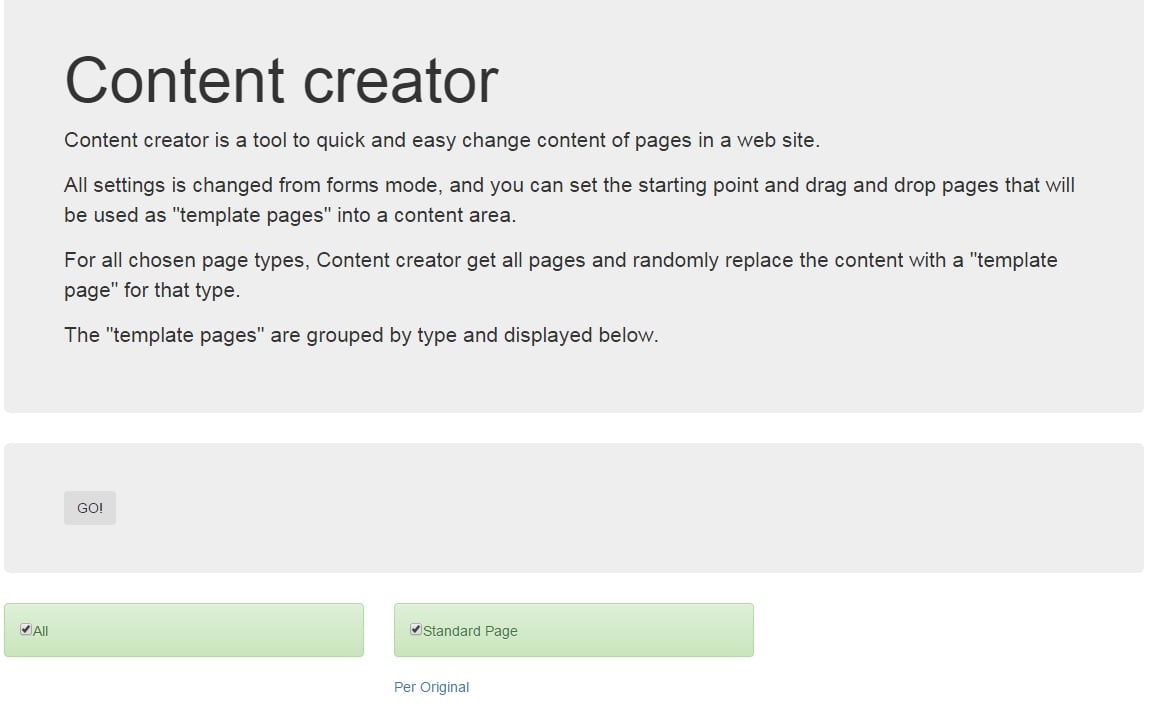
Start screen (In this case Ive only added one page for the standard page type and pointed it to a shallow structure).
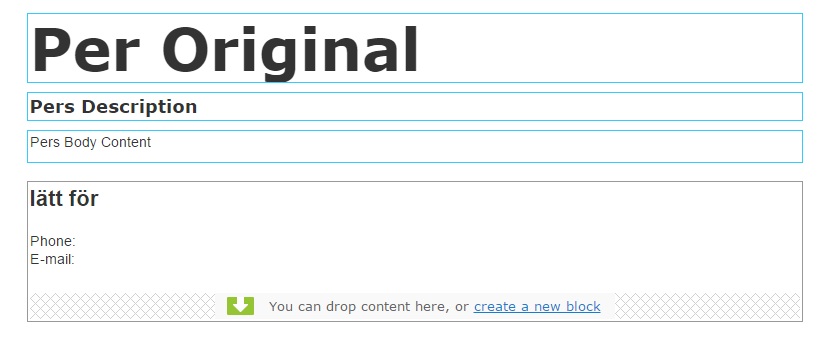
The "template page" Per Original
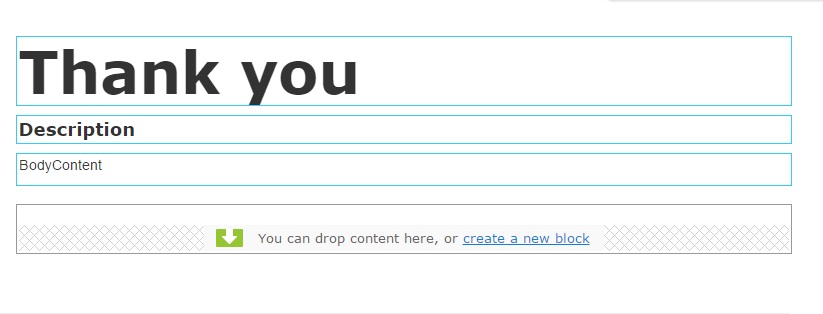
The page that's going get new content (Note that EPiServer builtin properties like PageName etc aren't replaced).
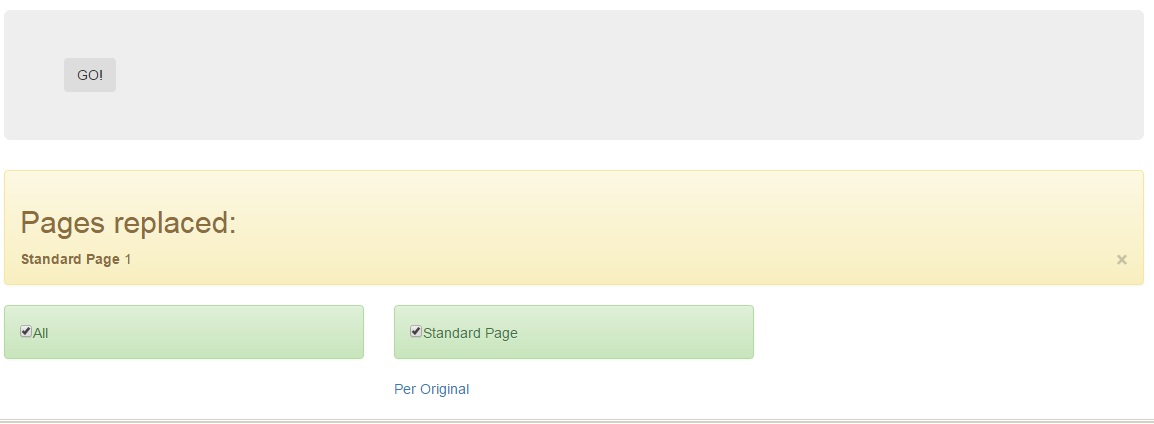
Start screen after tool is done
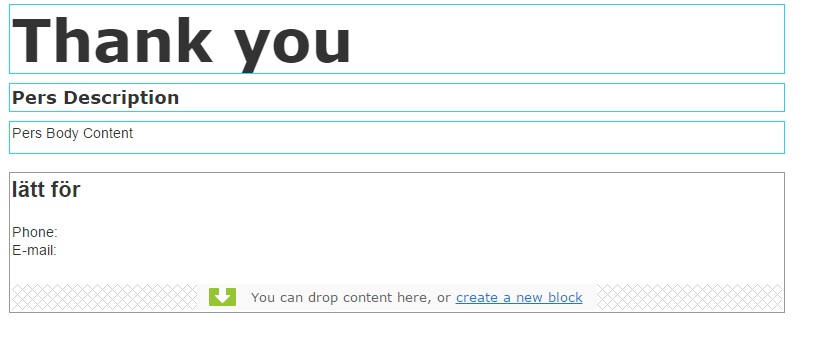
And finally the page after it got it's content replaced
Code is available at bitbucket.

Comments