

New updates to Business Foundation
Business Foundation is one of the oldest parts of Episerver Commerce, and it is the foundation of some of the most important features in Commerce: contact management (along with it, organization management). But it's hard to say it does the job perfectly.
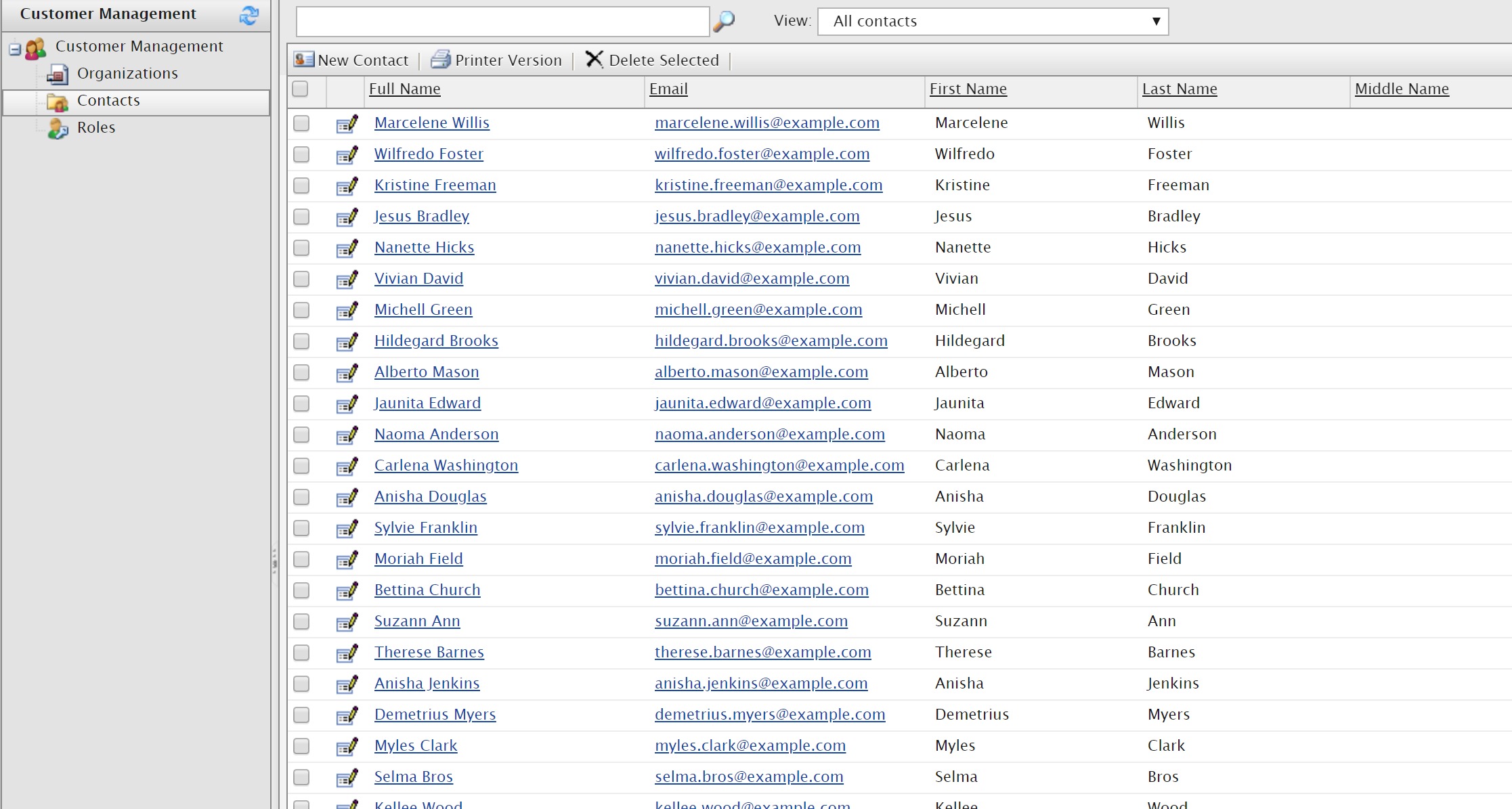
Previously Contact Management in Commerce Manager only shows the first 1000 contacts. To make this grid shows more than 1000 ones, you would need to update the maxListObject to a bigger value, and that comes with a performance consequences: a bigger number means slower load, and higher risk of timed out or out of memory exception.
In Commerce 12.11, it's changed.
That limitation is now lifted, and you can have a many contacts as you want without changing the value.
Now Business Foundation supports proper paging. Which means you no longer have to use inferior paging, and this actually, truly works.
Without breaking a sweat!
One customer with around 340.000 contacts asked us if there is any way to improve the time for loading their Contact Management views. They had to increase the maxListObject value to show all the contacts, and it takes them around 6 minutes for that views to load. Of course, that is far from perfect. I was able to get access to their database and by upgrading to Commerce 12.11, I could test how much improvement the new change bring.
Now the view is loading within few seconds.
The change is at API level, so if you are using Business Foundation for other purposes, you will still benefit from it. Just make sure to use
BusinessManager.List(string metaClassName, FilterElement[] filters, SortingElement[] sorting, int? start, int? count);instead of
BusinessManager.List(string metaClassName, FilterElement[] filters, SortingElement[] sorting)which still relies on the value set by maxListObject.
Commerce 12.11 will be availble earlier next week.
A very welcome improvement!