

I built a thing - nOSC & nOCP - an experiment?
I don't think I'm always that convensional. And that's where this starts...
So firstly, I was lucky enough to see oCP UI extensions for Optimizey SaaS a few months back - these are apps that extend the capabilities of the SaaS CMS platform using typescript apps built and hosted on the Optimizely Connect Platform (OCP). And I was even more lucky to get to be involved in the Beta program, getting first hand experience of what the platform can do. And well, let's just say that firstly I was impressed and then secondly I got carried away.
Content Transfer got migrated. A client we're working with uses Frontify as a DAM, so a picker got spun out of the OCP UI boiler plate - complete with it's own new search functionality and image manipulation features. This was partnered with a Focal Point Editor that allows CMS users to tell their websites' Head where the focus of the image should be. Then I used the Webhook mechanisms within OCP to create a whole CSP management suite with reporting. And then I built a full redirection management system, complete with solves for moved pages in the CMS and handling 404s.
As I say, I got carried away.
Then two things made me stop pretty much dead in my tracks - first, it turns out that actually, OCP isn't the most performant platform on the planet, and "Please Try Again" when trying to open apps is very infuriating, and then secondly, having considered OCP to be free when not using the database, it turned out that this wasn't the case, and subsequently that the pricing model for hosting OCP UI apps hadn't (hasn't?) been decided - so I'd been solving my real world problems in OCP, and it could well turn out that the cost of hosting them would make running a bunch of them significantly less than attractive - and they might keep returning "Please try again" on content queries.
Which is when my sneaky, non-conventional brain kicked in - I thought what if we could...
- Host apps freely?
- Be assured of their performance?
- Secure apps on our own terms?
- Upload them in seconds, not minutes?
- Have apps share information between panes and be able to actually effect change in the CMS, and not be restricted to Graph and the API for Optimizely content?
So, I built it.
"not Optimizely's SaaS Companion" - nOSC. It rolls off the tongue.
It's a Chrome extension that (amongst other things*) acts as a harness for nOCP apps - what are nOCP apps? Definitely not OCP apps. But yes, they're typescript apps (or not), that can be hosted anywhere you want (my favourite free hosting choice is Lambda on AWS); there is a security contract that must be observed, including a token to ensure you can't just sideload other peoples nOCP apps into your nOSC harness, but ultimately you can build an app in whatever language or framework you like, so long as it conforms to "the contract" and token exchange rules.
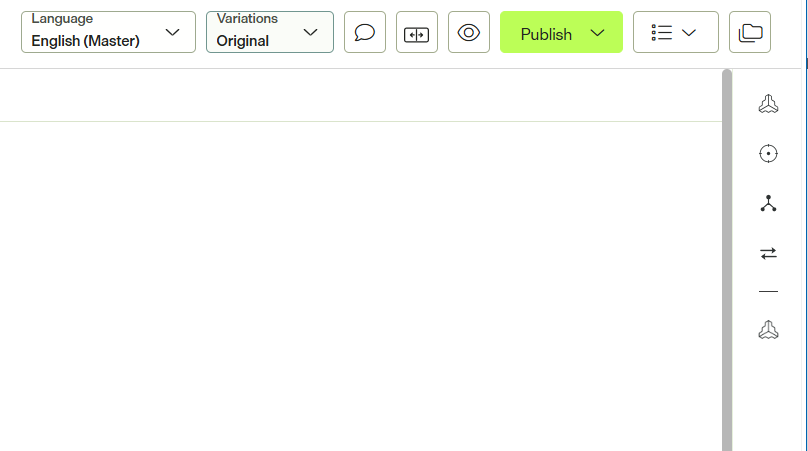
nOSC works by injecting into your SaaS CMS (sidebar and fullscreen), but unlike the Optimizely OCP apps, because of the Chrome app proxy, there is two way communication between CMS and app - AND - access to the numeric page ID of whatever content you're looking at in the CMS, which means that in building nOCP apps you can actually control the top level page and use the page ID to link directly to editable content.
Here are 4 docked oCP apps, and 1 docked nOCP app - can you tell the difference?
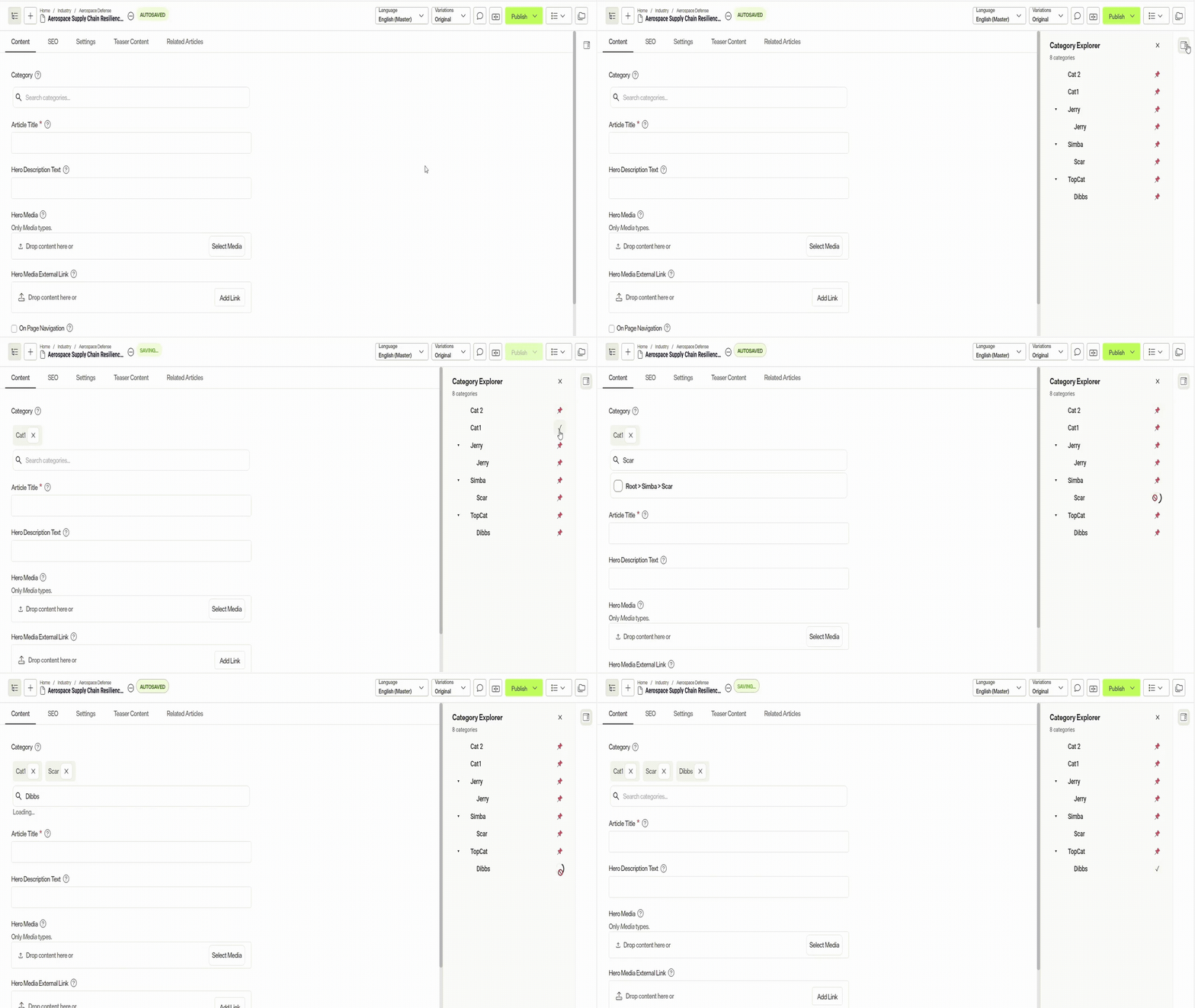
But more than that - you can also push content into the CMS! As well as porting over a few of the OCP UI apps that I've built to be nOCP apps, I've also built a Category Explorer around the new SaaS Taxonomy implementation - an implementation that sees you guessing what categories might be called with some kind of predictive search interface. I did not like that so nOSC and nOCP to the rescue - Graph allows me to list categories, my Chrome app allows me to push selected categories into the Category field of the CMS content item.
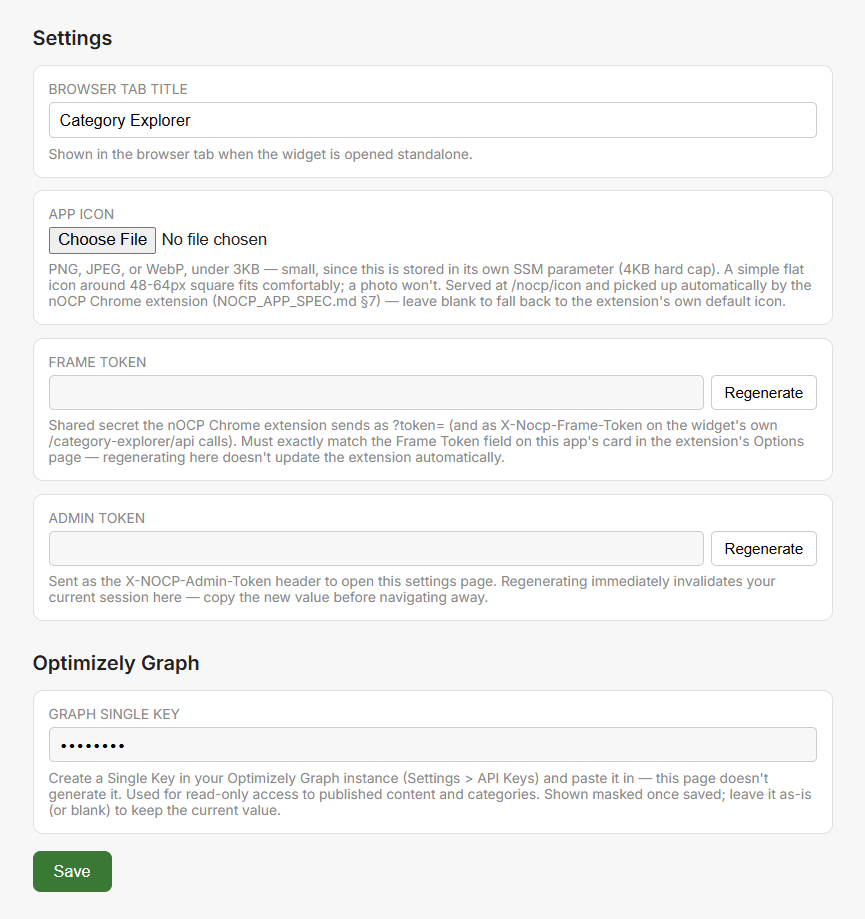
You can see a selection of my nOCP apps at https://github.com/mattpallatt/nOCP-apps - along with more information on that security contract I mentioned.
They're configured both on server for connections into secure endpoints (once), and then in browser to pull the app into the harness (everyone who wants the app).
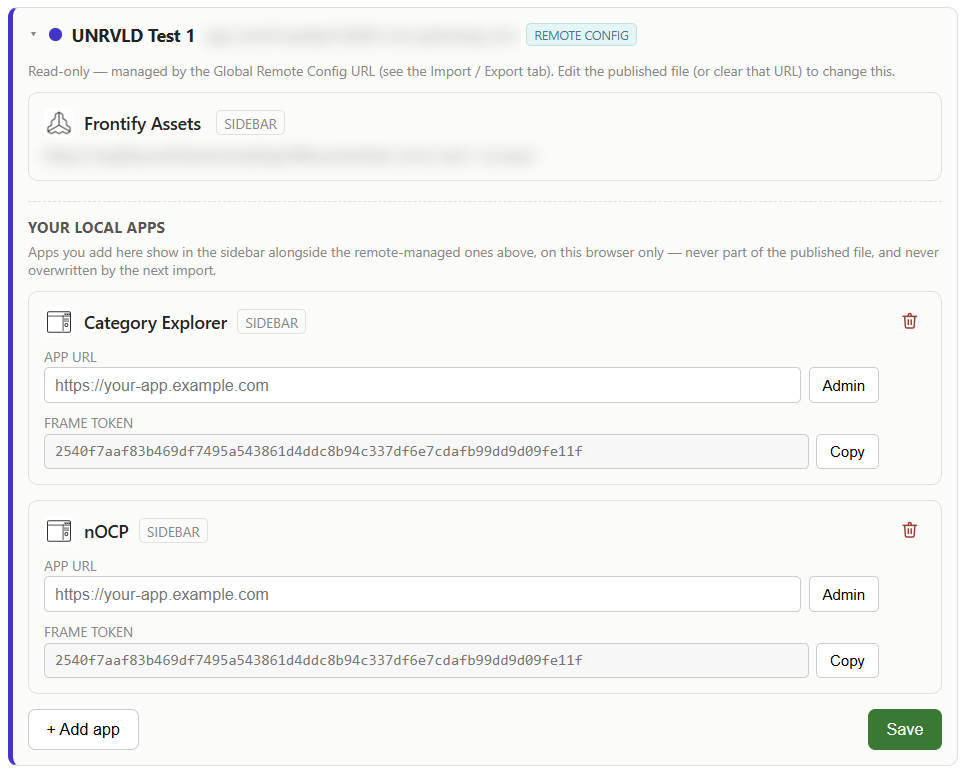
Excecpt of course, it would be really annoying trying to make sure that your entire SaaS CMS team have the same set of tools, right? So there's a import/export feature, and more importantly a "Load from Global configuration" in nOSC - set your enviroments, apps and other configs up once, export them as an encrypted configuration file and save it somewhere that the internet can see, then your entire teams browsers can automatically download and configure the app when their Chrome/Edge browser starts - apps automatically synced with everyone having access to the same tools with no fuss.
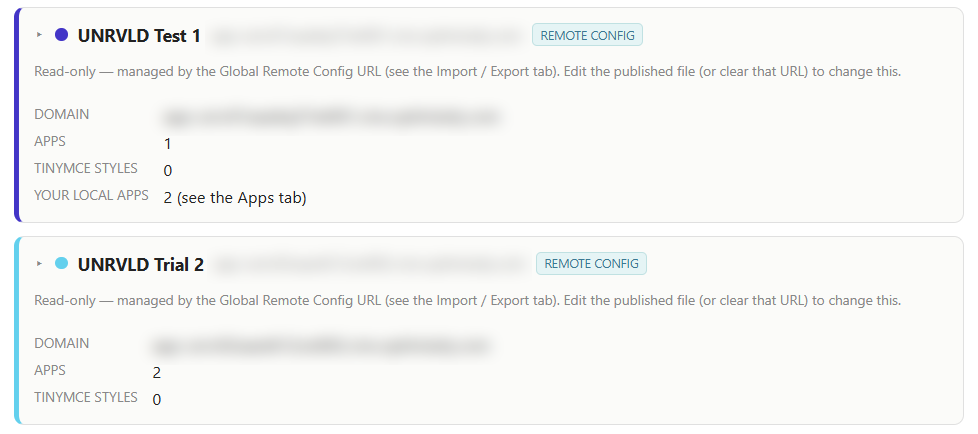
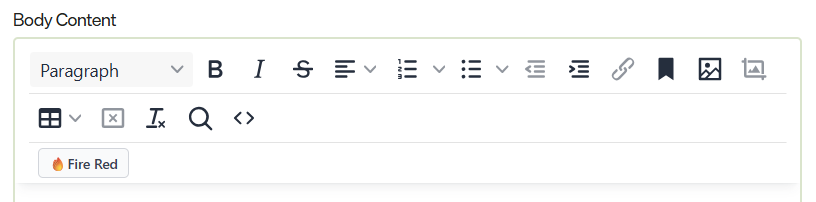
Right, so back to that asterisk up there. It's not _just_ about loading apps - one of my pet peeves with SaaS is not being able to allow CMS users to use custom styles in TinyMCE, so nOSC aims to handle that too.
On an enviroment by environment, text property type configuration (minimal, standard, enhanced) basis, you can add new styling options that are either applied as inline styles, or by dropping class names onto selected text. It's not quite "in the dropdown", but it's a meaningful step in the right direction IMO.
That's nOSC.
I would very much like to know what people think of this - I've said it's an experiment, and maybe OCP apps come out in October and they are free to host, and they bump up the performance, and releasing to hosting takes less than 5 minutes, and you don't have to worry about timeouts - but, if all that doesn't happen, then does this "experiment" become something that you and clients could use? "No, you crazy person" is a perfectly reasonable response.
Comments