


LLMS.txt support comes to Stott Robots Handler v5
So you've heard of llms.txt?
If you’ve been keeping an eye on developments in AI and search, you may have heard of llms.txt files. The llms.txt file is a simple, human-readable document designed to help Large Language Models (LLMs) better understand the content and context of your website. It is intended to be a new standard in terms of Generative Engine Optimization (GEO) and its fair to say it is early days. You can see a list of early adopters here: https://llmstxt.site/
The llms.txt file itself should be written in Markdown which is a lightweight formatting language that uses plain text syntax to style content. Markdown is then typically transformed into HTML for presentation for normal consumption, but in this case it happens to be easily parsed by AI.
Why Add llms.txt to the Stott Robots Handler?
The Stott Robots Handler has long been the go-to tool for managing robots.txt content in Optimizely CMS 12. Because the llms.txt concept shares a similar purpose and delivery method (providing machine-readable guidance from a fixed location) it made perfect sense to integrate support for it directly into the same tool. The synergy between the delivery and management of the two file formats allowed me to deliver this functionality swiftly into Stott Robots Handler, allowing you to manage your site’s LLM guidance and crawler instructions all from a single, familiar interface.
The Interface
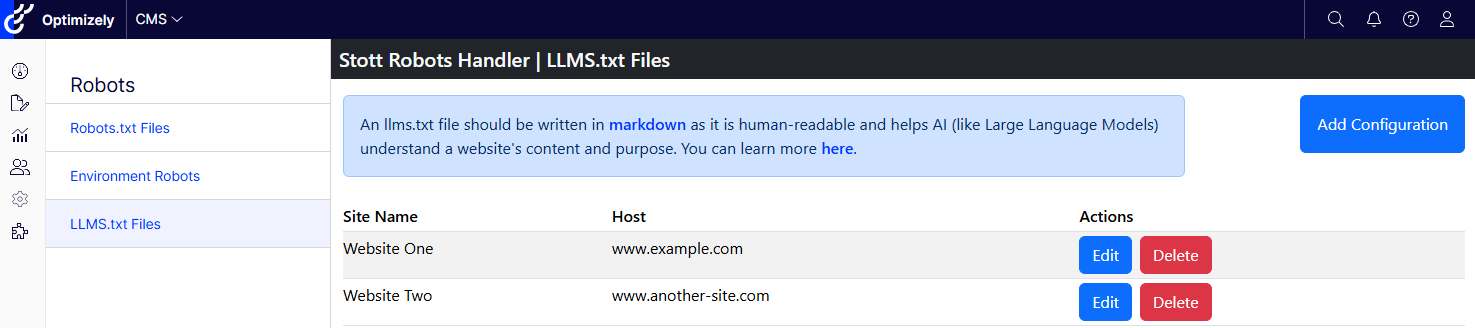
Existing users of the Stott Robots Handler will find the interface for managing llms.txt content to be immediately familiar. The llms.txt configuration list is nearly identical to that of the robots.txt configuration list. Users can create, modify and delete configurations on a per site / per host basis allowing for flexible variations in instructions for large language models. Unlike the robots.txt, there are no default configurations for each website. The llms.txt content only exists and is only served when it has been defined by the user. If a configuration does not exist for a given domain, then the users will receive a 404 response instead of a default value.
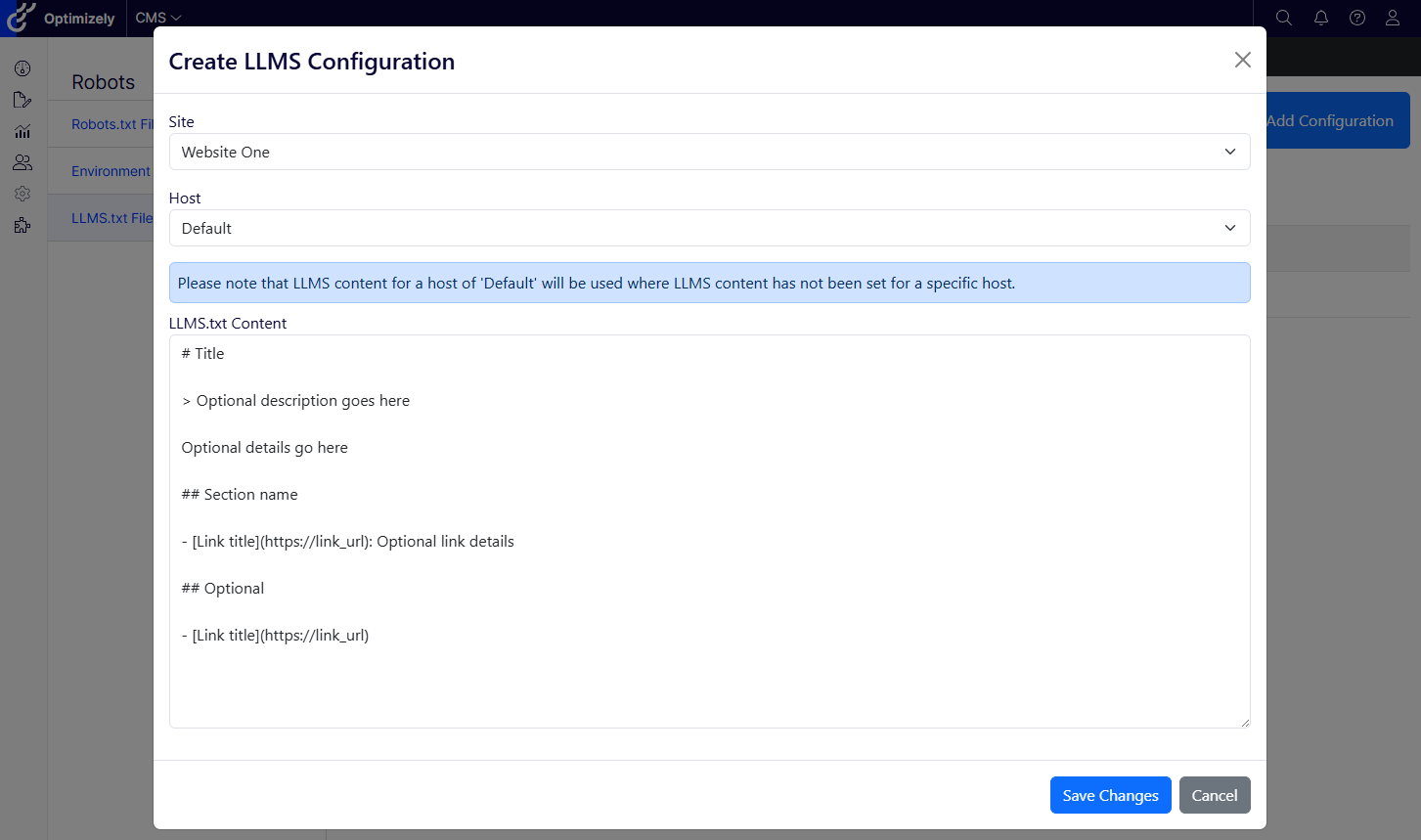
When creating or modifying llms.txt content, a familair modal interface is displayed. The modal interface is larger for managing llms.txt content as there are expectations that this file will be significantly larger than robots.txt. Users can select a site and they can opt between selecting a specific host definition or configuring the llms.txt content to be the default for a website.
Please note that when content is served on the /llms.txt path, the response will be resolved in the following order:
- llms content that matches the specific site and host definition
- llms content that matches a specific site but is configured as a default
- 404 response
Getting Started
Stott Robots Handler v5 is available for Optimizely PAAS CMS 12 on nuget.optimizely.com and on nuget.org. You can see the full installation instructions and package information over on github page, including how to configure the addon for use with Opti Id.
Getting started can be as simple as:
// Install the nuget package
dotnet add package Stott.Optimizely.RobotsHandler

// Add this to your services
services.AddRobotsHandler();

// Add this to your configure method
services.UseRobotsHandler();

// Add this to your _ViewImports.cshtml if you are running traditional
@addTagHelper *, Stott.Optimizely.RobotsHandler
You can find all of my content collated on https://www.stott.pro/
Awesome! This is super handy :)