

EPiServer.Personalization.CMS.UI.1.0.0 has been released
We've released the EPiServer.Personalization.CMS.UI.1.0.0 (Strategy Container Block) a few days ago. Here is some information regarding it.
EPiServer Strategy Container Block is added in to retrieve recommendation data from Advance API. I’m assuming you want to create a block on the page that has a mission to provide users suggestions which is the most suited to their strategy (popular content, most viewed…).
· Go to Episerver edit mode, add a new page (for example a standard page) and add a new block
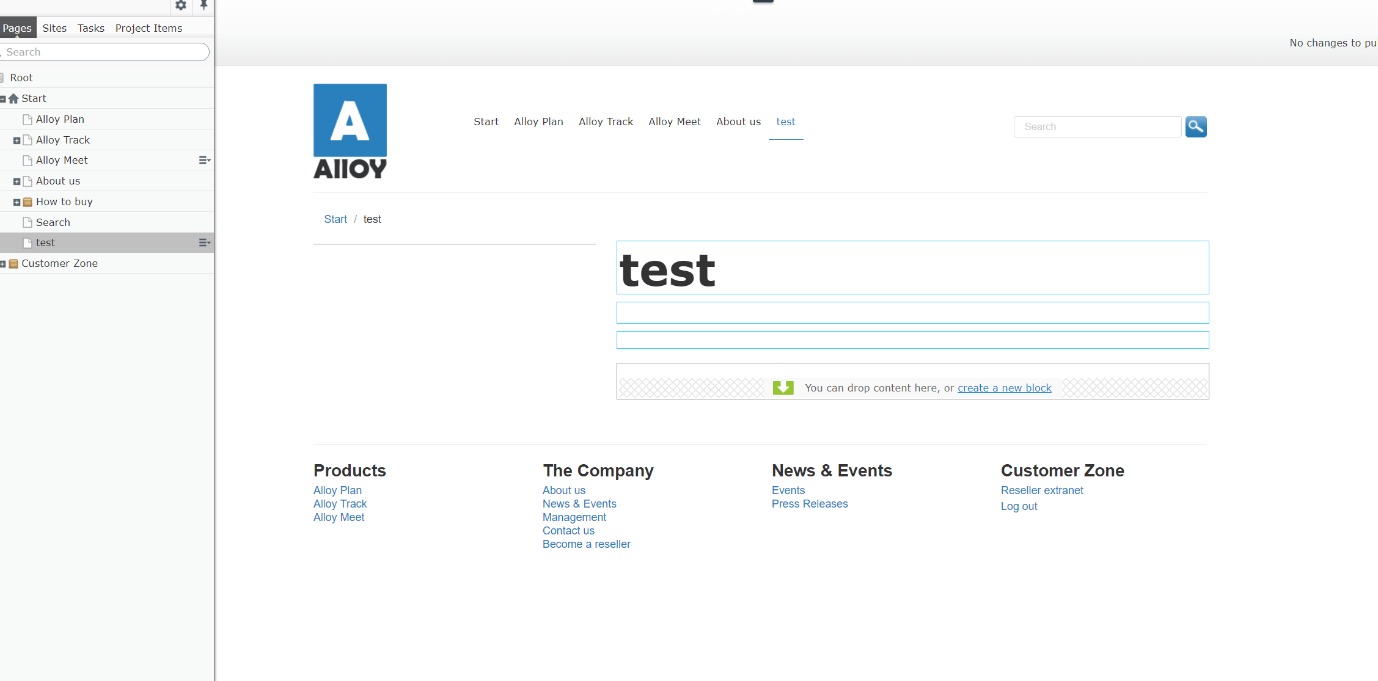
In block type listing view, chose Strategy Block
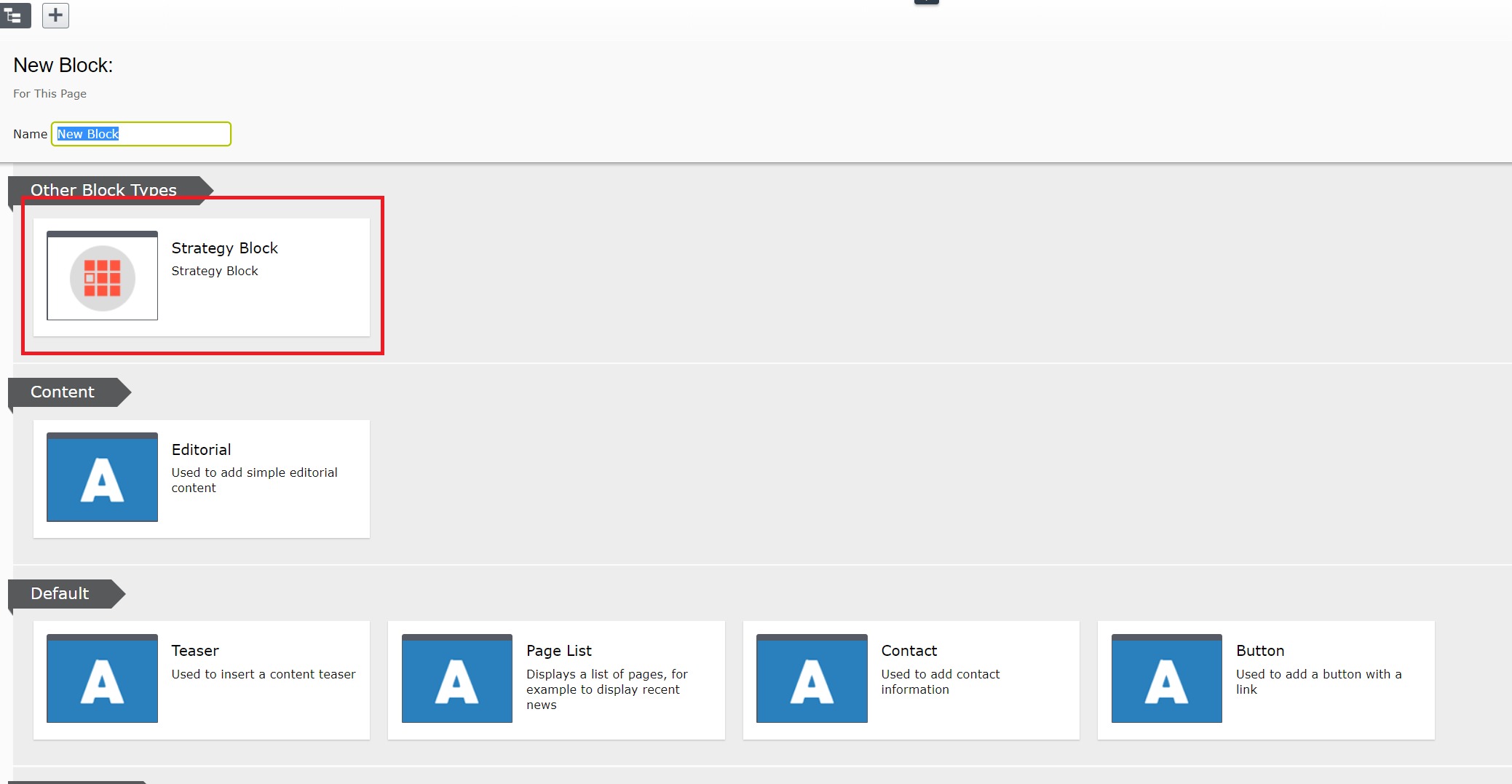
- In All Properties, you can modify the block settings:
- Default Strategy: Set a strategy as default.
- The number of recommendations: The maximum number of recommendation items you want to show in the block (the actual number may be fewer).
- Click create in order to add the block to the page

- If successfully, the block should be added as below
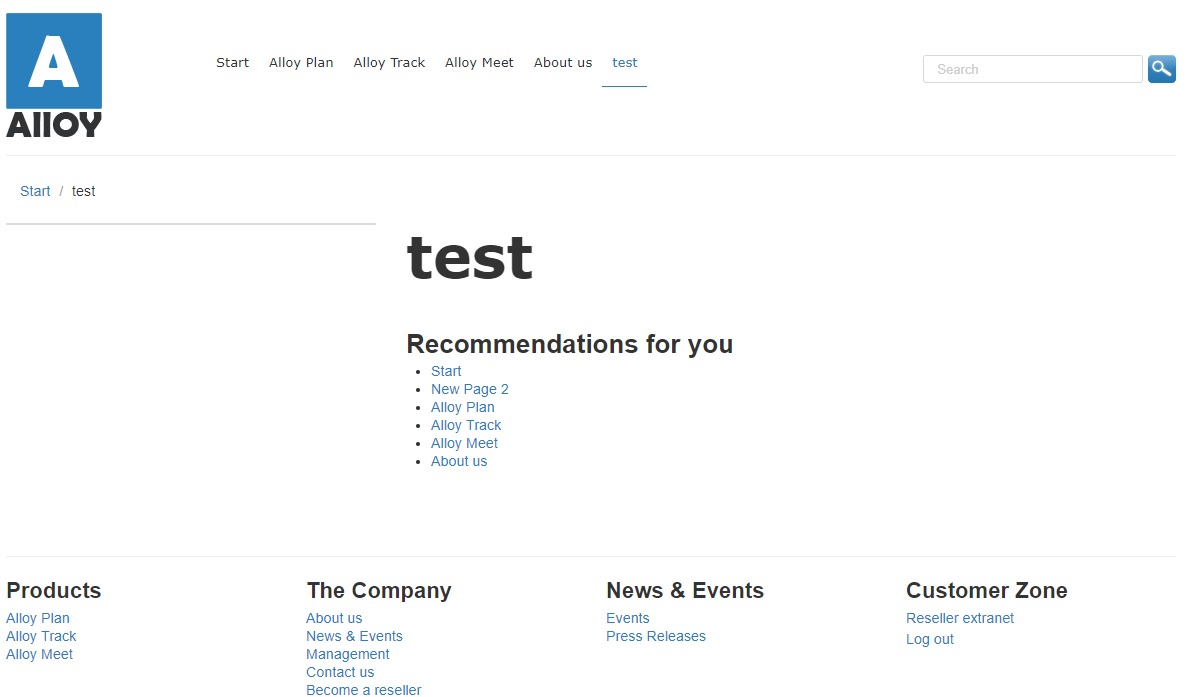
- In On-Page Editing view, you can choose another strategy for current page only (other than the default one which is set in “All Properties” of block, this change will remain in the current page only)

Note: In order to make it work, Advance API must have input for its tracking and analyzing. Make sure that your site has installed EPiServer.Tracking.PageView and config as the following guideline: https://world.episerver.com/documentation/developer-guides/tracking/page-view-tracking/.
And config tracking as the following guideline https://world.episerver.com/documentation/developer-guides/profile-store/using-tracking-core-api-with-profile-store/
In order to use Advance service, please update RecommendationServiceKey, RecommendationServiceSecret and RecommendationServiceUri in your web.config
For example, change those in your web.config:
<add key="episerver:RecommendationServiceKey" value="ChangeThis" />
<add key="episerver:RecommendationServiceSecret" value="ChangeThis" />
<add key="episerver:RecommendationServiceUri" value="ChangeThis" />
with your Advance keys, like this:
<add key="episerver:RecommendationServiceKey" value="PlhPaQNJaB3F0kesWXubaK5Y2cVJb7WequvmOVyvCjRzpZAc" />
<add key="episerver:RecommendationServiceSecret" value="PygCfBib47wx+tGThNWU0sy67dwztDbmUc4lKcLLvlyO5bDGIYDBVf9o7ZQijINC" />
<add key="episerver:RecommendationServiceUri" value="https://advance.episerver.net" />
Tech note: Advance API will remove recommendations for in-active content once a day. (Content which is permanently deleted, move to trash or no one visited for a day will not appear in Recommendations). To avoid the missing number of recommendations, we will get 5 more recommendations to replace/backup for invalid (deleted) contents.
When no strategy is chosen for the strategy block, the recommendations are suggested by the Advance default strategy.
Known issue: Currently, Advance service recommended by contentId. If a site has too many untranslated pages, the number of recommending pages might not enough or don’t have any recommendation at all.

Comments