
Content Approvals Require comments for Decline and Approve
This is the last feature in Content Approvals before we remove the Beta tag and make it public.
This feature allows administrators to configure an Approval Definition with require comments on Approve and/or Decline.
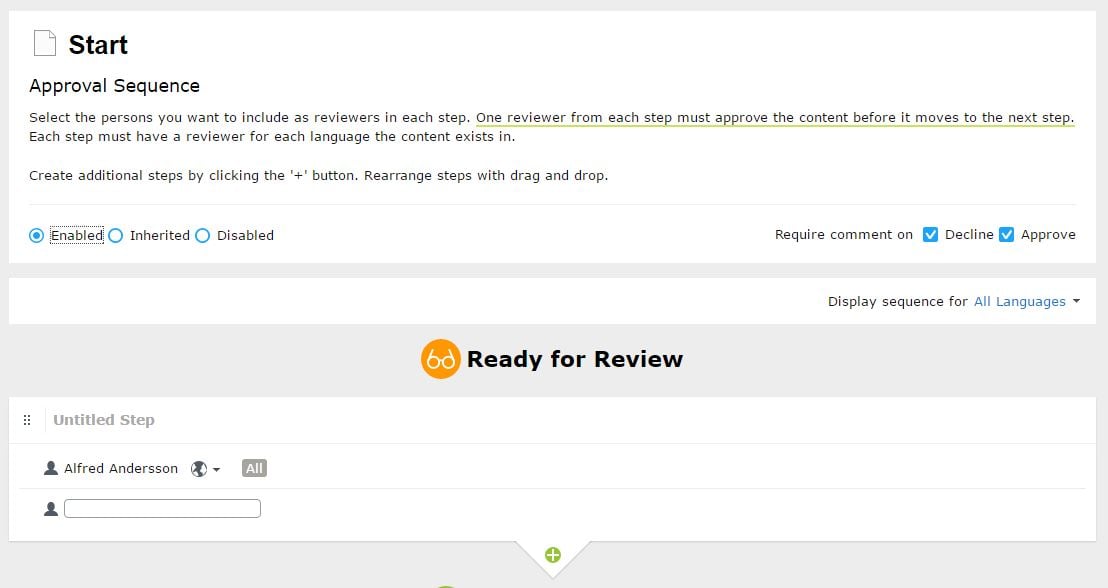
Once this is configured then a reviewer must enter a comment while approving/declining. 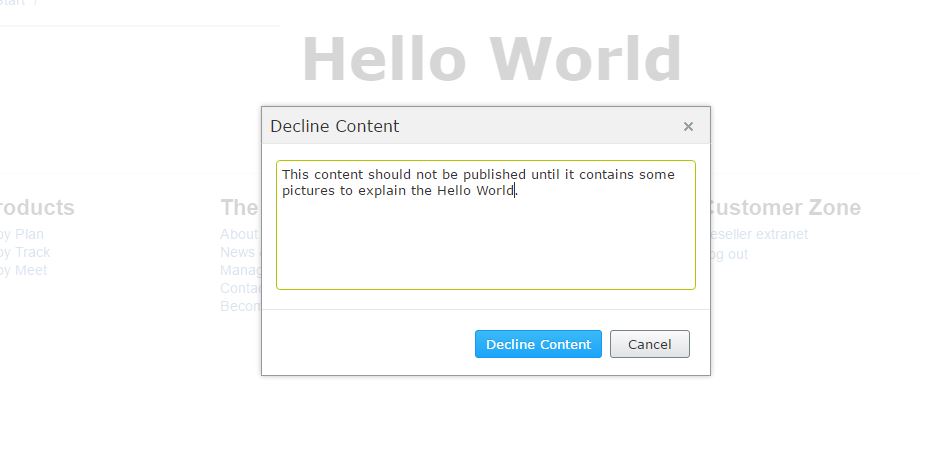
The entered comment is captured and will be used in Approval Notifications. The Approval Notification email is also changed a little bit in order to present clearly about what has happened and the comment.
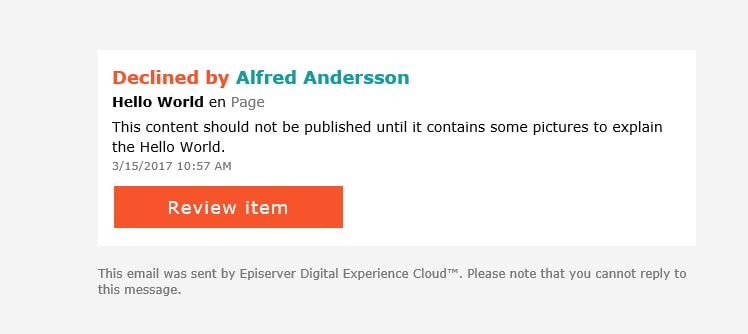
The logged in user will get the same notification instantly with approve/decline comment. 
If the item is the part of the project, the captured comment can be seen in item's activity feed in Project overview. 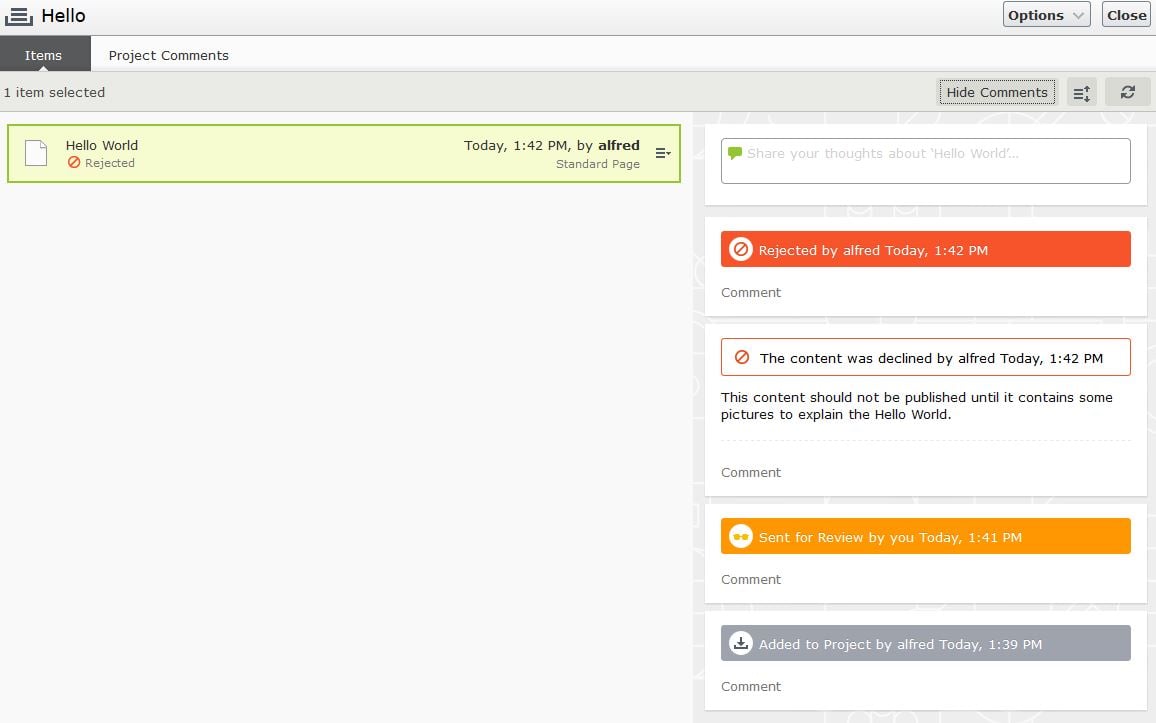
All the comments captured during approve/captured will also be part of the Change log.
There is only one constraint with this release that if the item is not part of the project, then there is no other view/screen where editor can see the comments except the User and Email Notification.
I have a history behind this question :). In case of truncation of Change log, How Comments will be effected? At few occasion Support have purposed to clear change logs via SQL scripts also. and I have been using those also. Does Project Comments also stays in change log?
Comments on Projects are part of the change log but if project is not deleted, then those enteries will not be deleted by the truncate job (or sql scripts you are referring).
Comments on approval/decline are also part of the change log and also saved as part of Notifications. Right now you can't delete a Notification so those comments will be visible even if you clear the change log.
I love this, only one question, comments are required even though the checkboxes are unchecked. Is this standard functionality or am I missing something.
If checkboxes are unchecked then comments are not required on Approve/Decline.
But comments are always required if you force approve an ongoing approval.
Can you explain. I am baffled that both checkboxes are unchecked, but comments required regardless of the checkbox. How do you now require the comments event if the checkboxes are not checked
@Joshusa Comments are not required on Approve/Decline if the checkboxes are unchecked.
But there is a functionality called "Force Aprove". Only an admin can "Force Approve" an approval sequence, in which case the entire approval is approved at once. If an admin utlizes this functionality, then the comments will always be required regardless of checkboxes.
Must see Must see Must see